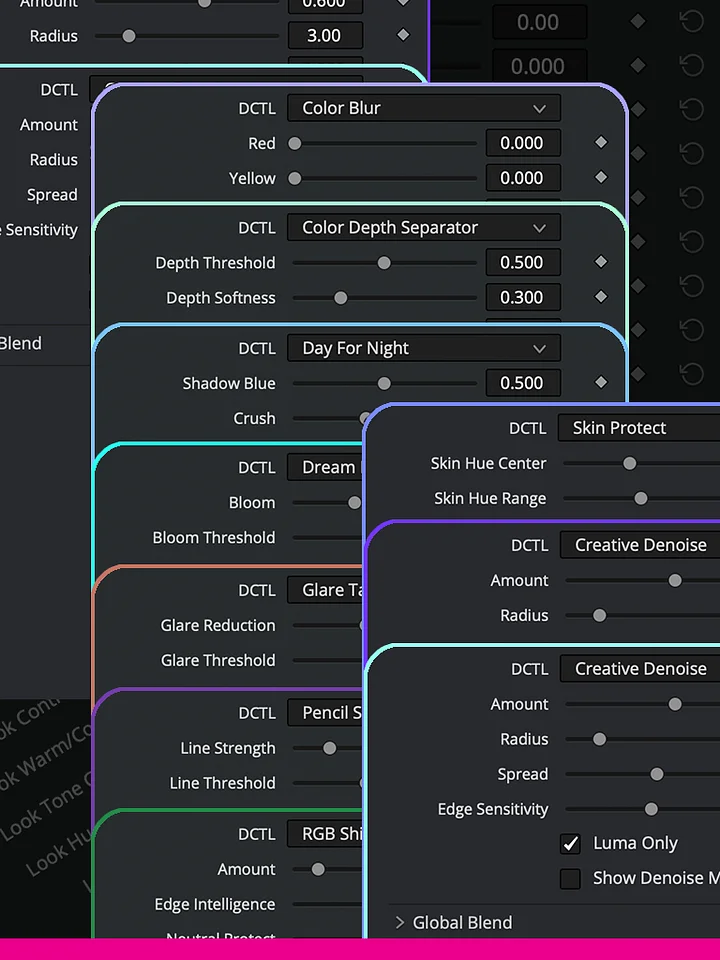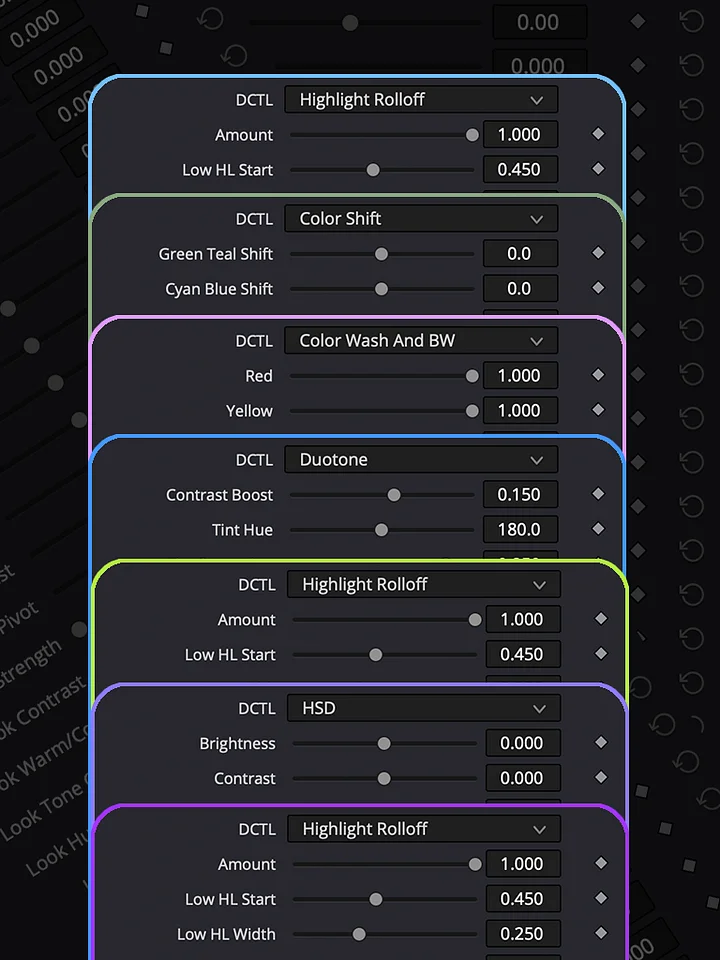
Log To Print
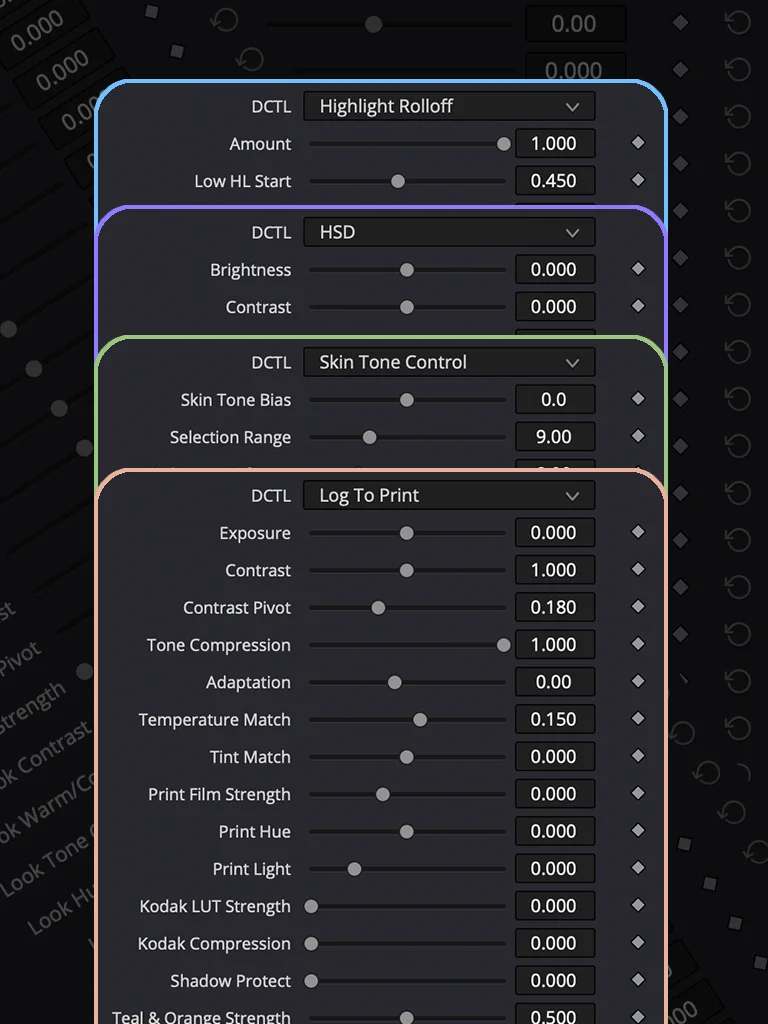
Log To Print Bundle Includes 4 Most-Used Nodes for Professional Color Grading.
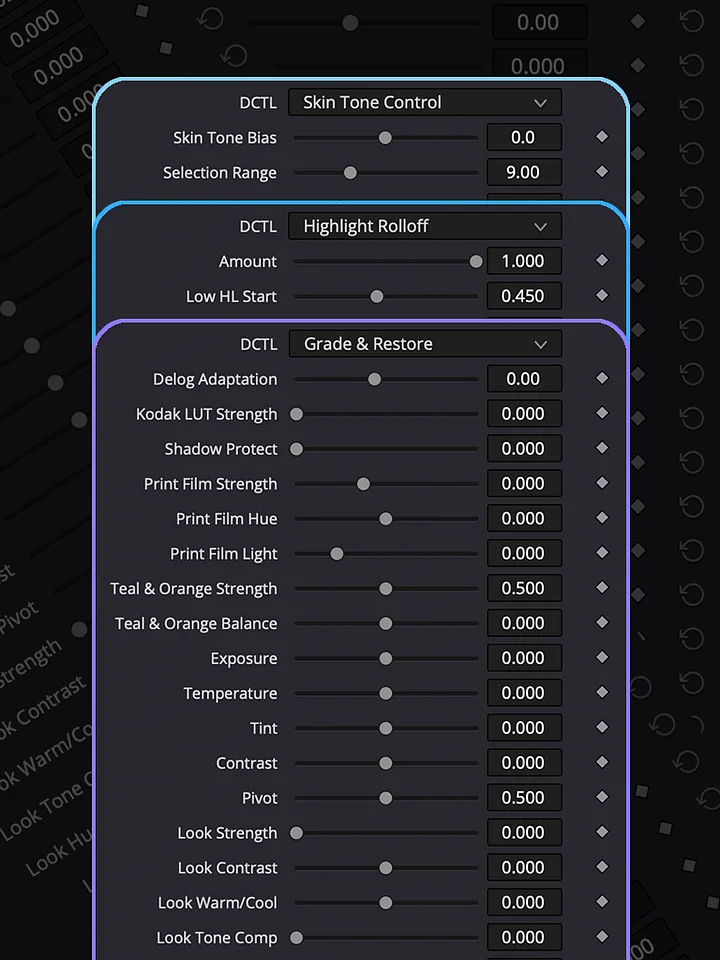
- Skin Tone Control
- Log To Print
- HSD
- Highlight Rolloff
Take any camera's log footage straight to a finished, print-film-inspired look — in one node.
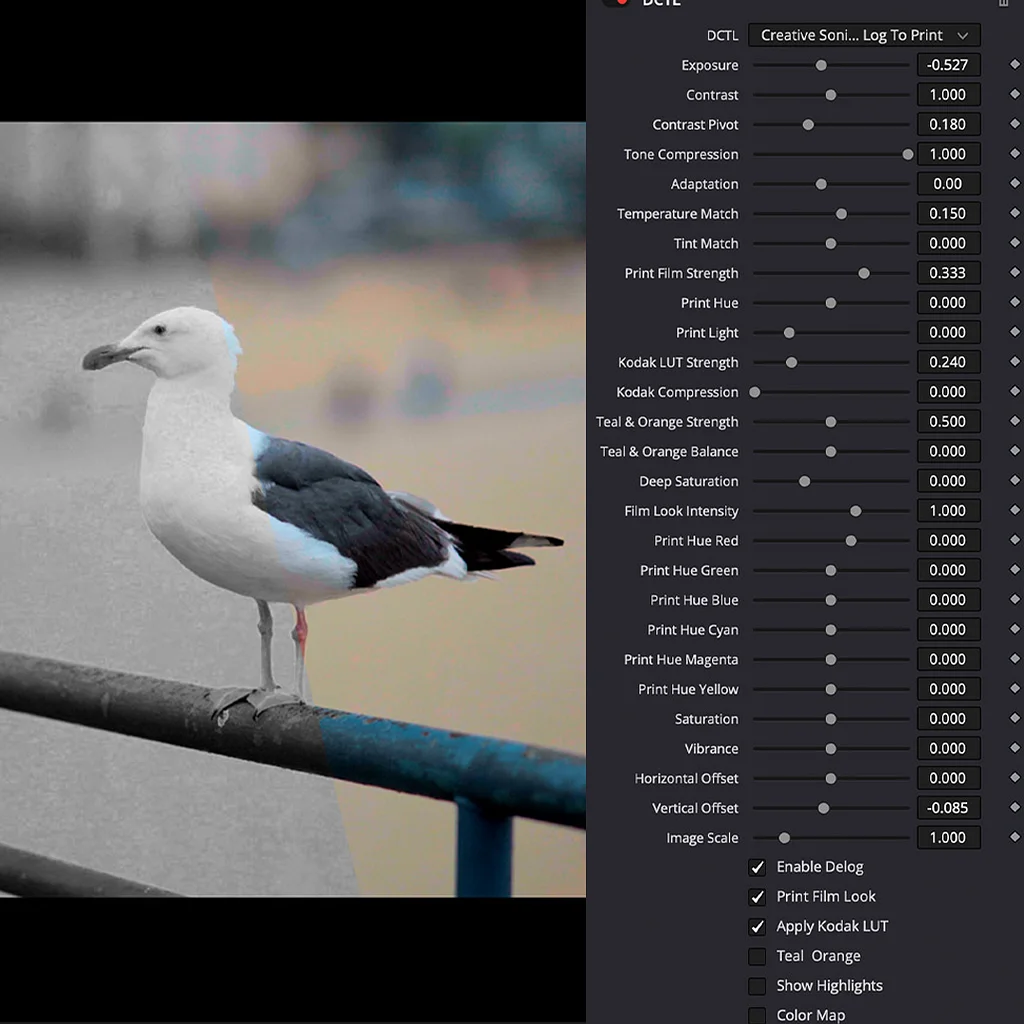
Log To Print is a single DCTL that replaces an entire node stack: a proper log-to-display color space conversion, a Kodak 2383 print-film emulation, a false-color exposure guide, and a full creative color toolkit — all built to work together instead of fighting each other.
Shoot on anything. Independent Input Color Space and Input Gamma menus cover Sony S-Log3, ARRI LogC3 and LogC4, Panasonic V-Log, RED Log3G10, Blackmagic Film Gen5, Kinefinity KineLog3, and ACEScct — mix and match cameras on the same timeline with one consistent node.
Get a real filmic rolloff, not a clip. Highlights compress through an industry-standard ACES-style curve instead of hard-clipping, so hot windows and skies roll off smoothly instead of blowing out into flat white.
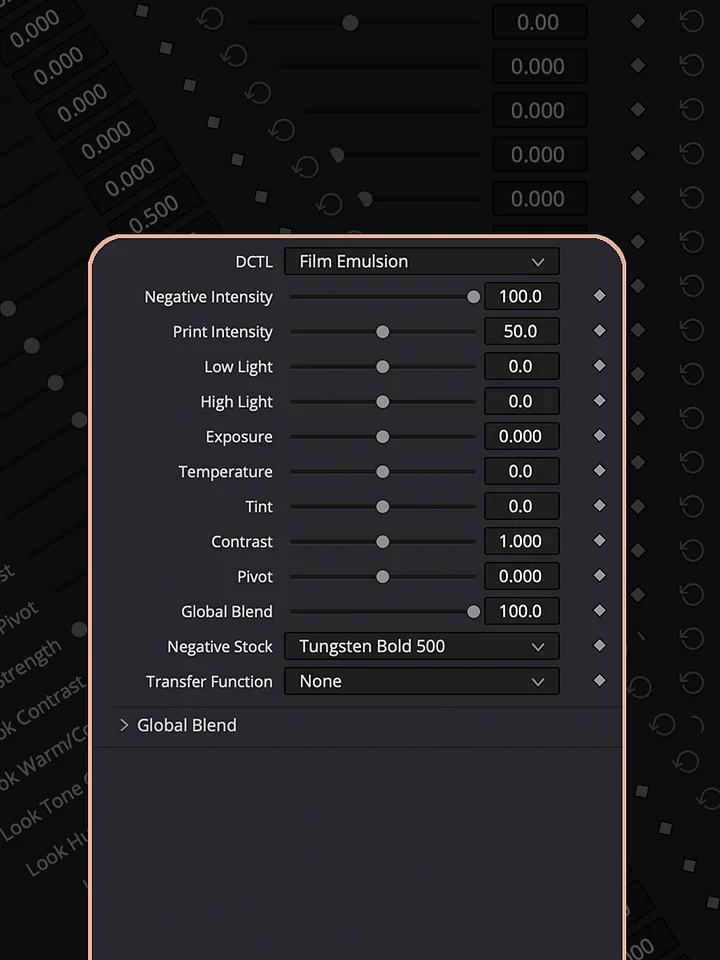
Baked-in Kodak 2383 print stock. A genuine, CC0-licensed Kodak 2383 print-film LUT is embedded directly in the file — no external LUT to lose, mismatch, or forget to copy to another machine. Dial the strength and compression to taste, or turn it off entirely.
A full creative pass without leaving the node. Print Hue and Print Light, six-way Print Hue (RGBCMY), Teal & Orange split-toning, Deep Saturation, Vibrance, and camera-matching Temperature/Tint trims — everything you'd normally build across four or five nodes.
6 built-in cinematic looks, one dropdown: Modern Film, 80s Look, Vintage, Teal & Orange, Night, and Military — each blends toward a calibrated target as you raise Intensity, so it adapts to your exposure instead of stamping a fixed number over it.
HOW TO INSTALL
Download the DCTL file and place it in the DCTL folder used by DaVinci Resolve. On Mac, you can find it at /Library/Application Support/Blackmagic Design/DaVinci Resolve/LUT/. On Windows, use C:\ProgramData\Blackmagic Design\DaVinci Resolve\Support\LUT. After copying the file, open DaVinci Resolve and go to Project Settings → Color Management → Open LUT Folder to verify the location, then refresh the LUTs. Your DCTL will then be available in the DCTL menu on the Color page.
DCTLs in Action
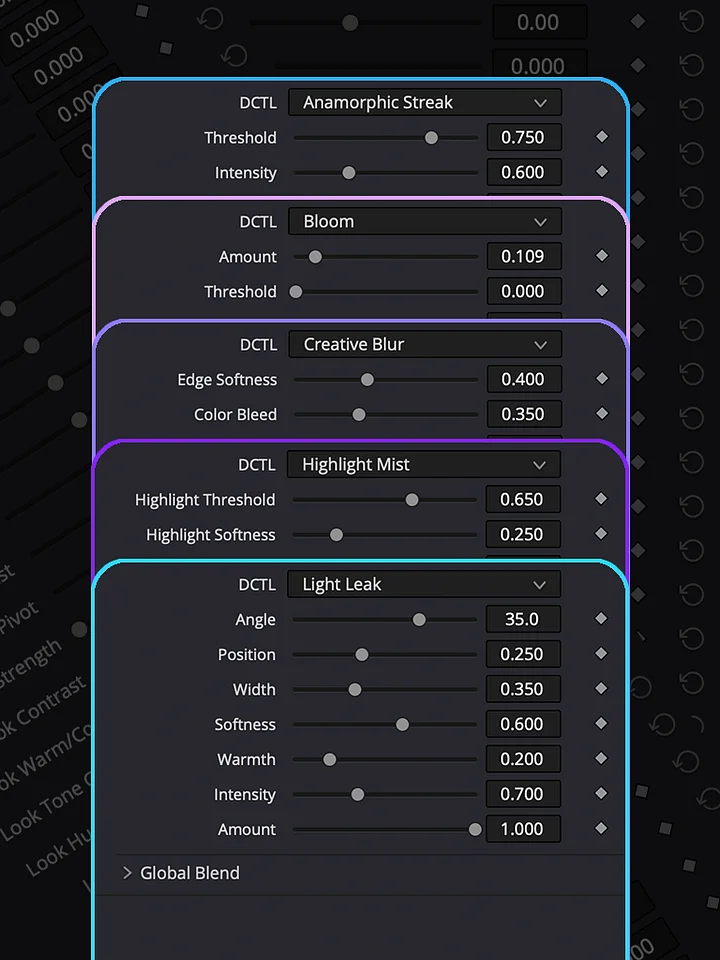
Explore the Log To Print Universe through real grading examples and see how each collection can be used in practice. Log To Print is built for production-quality color grading and print emulation. Grade & Restore focuses on correcting and restoring footage. Film Look creates distinctive film-inspired images, while Shape & Tone gives you control over contrast, density, and tonal balance. Creative Effects adds tools for image manipulation and experimentation, and Lens & Atmosphere brings optical character, diffusion, and atmospheric effects into the grade.