Log To Print Universe
Log To Print Universe creates professional DCTLs for DaVinci Resolve Studio, designed to give filmmakers, colorists, and creators precise control over the image. From film-inspired color and print emulation to restoration, tonal shaping, creative effects, lens character, and atmosphere, each tool is built to become a practical part of your grading workflow.
Color Grade in Seconds
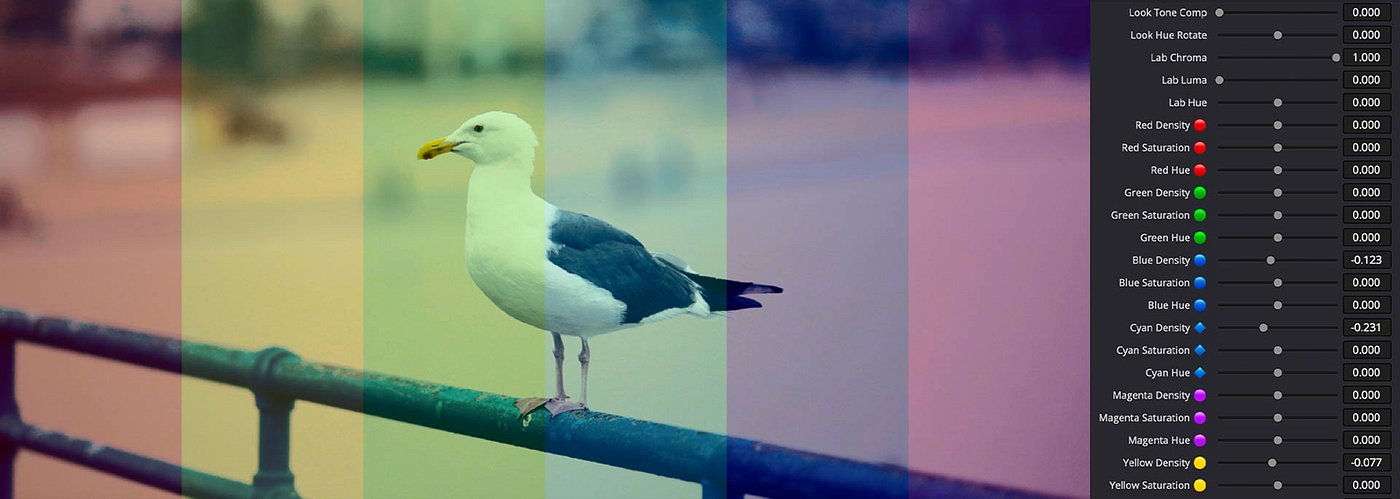
Professional color grading tools optimized for the average computer, with real-time playback and a workflow designed to save you time. Intuitive and easy to use, each node puts multiple color grading options at your fingertips, giving you more control without building complicated node trees. And when your grade needs extra flavor, add creative effects to push the image further.
Film Look Emulation & Creative Effects
Color Grading and cinematic effects
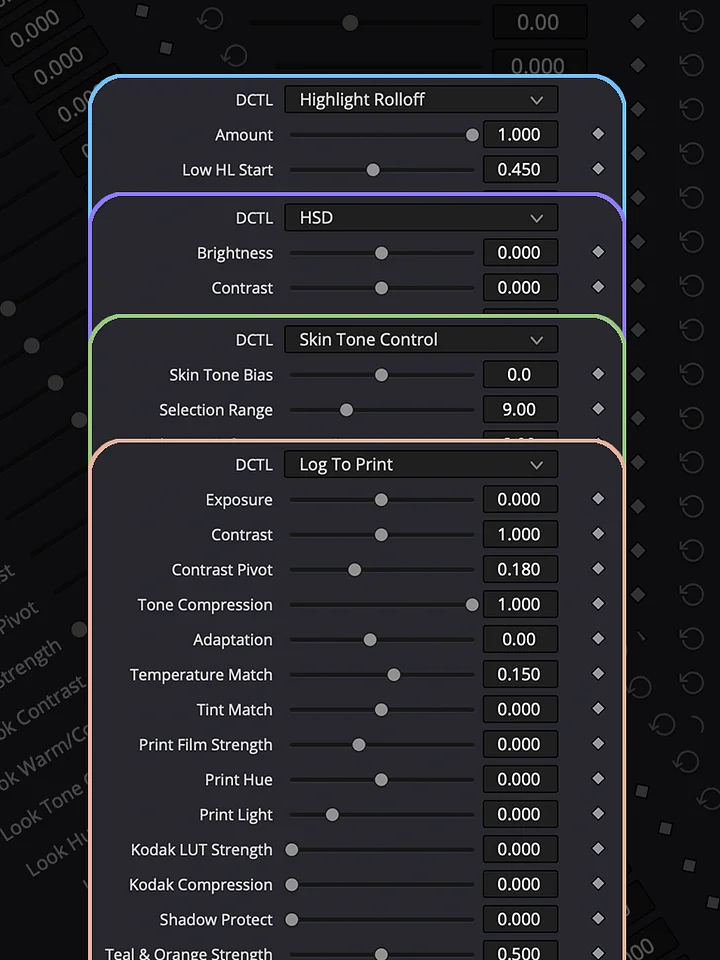
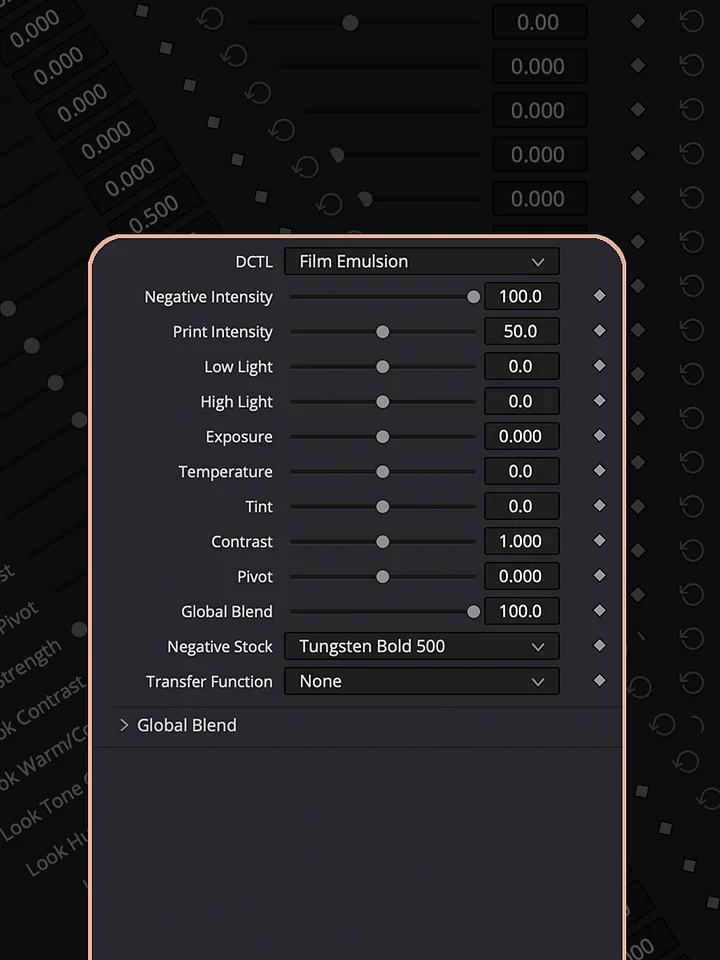
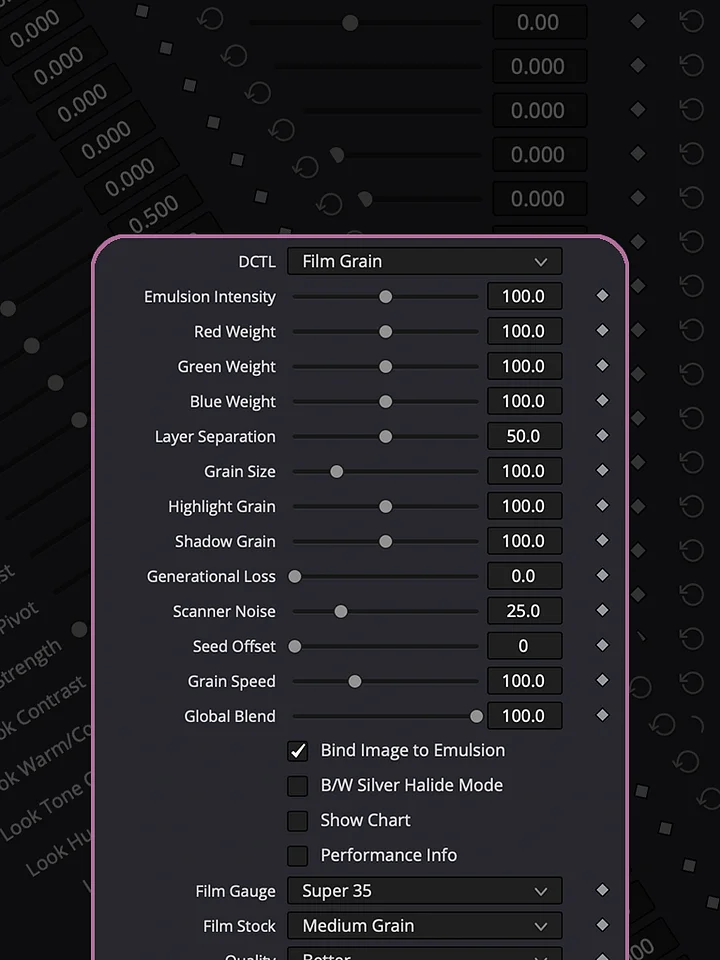
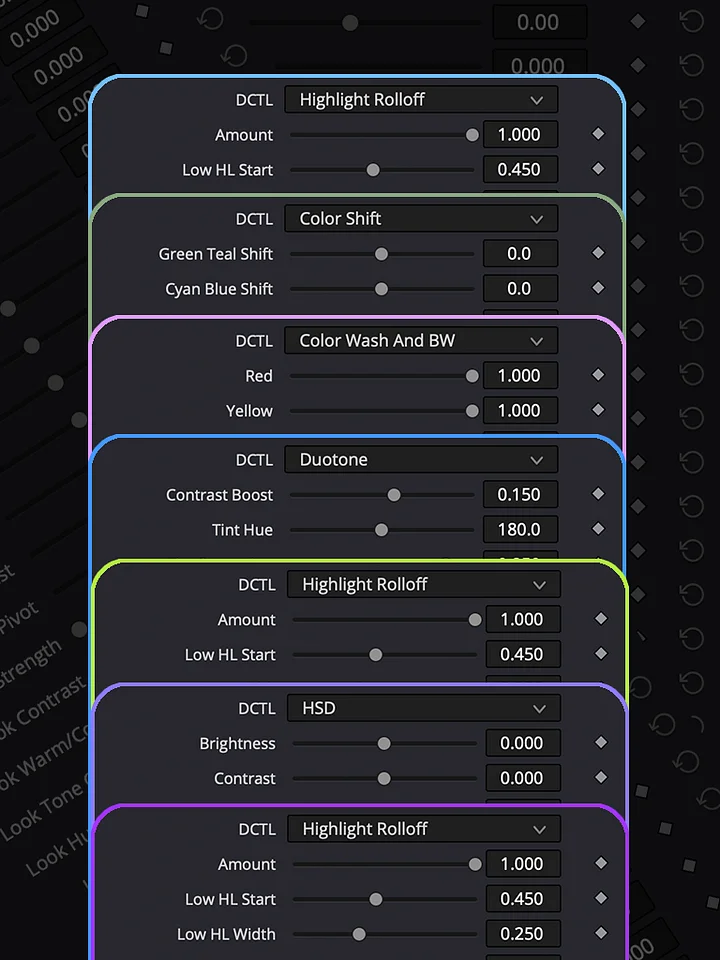
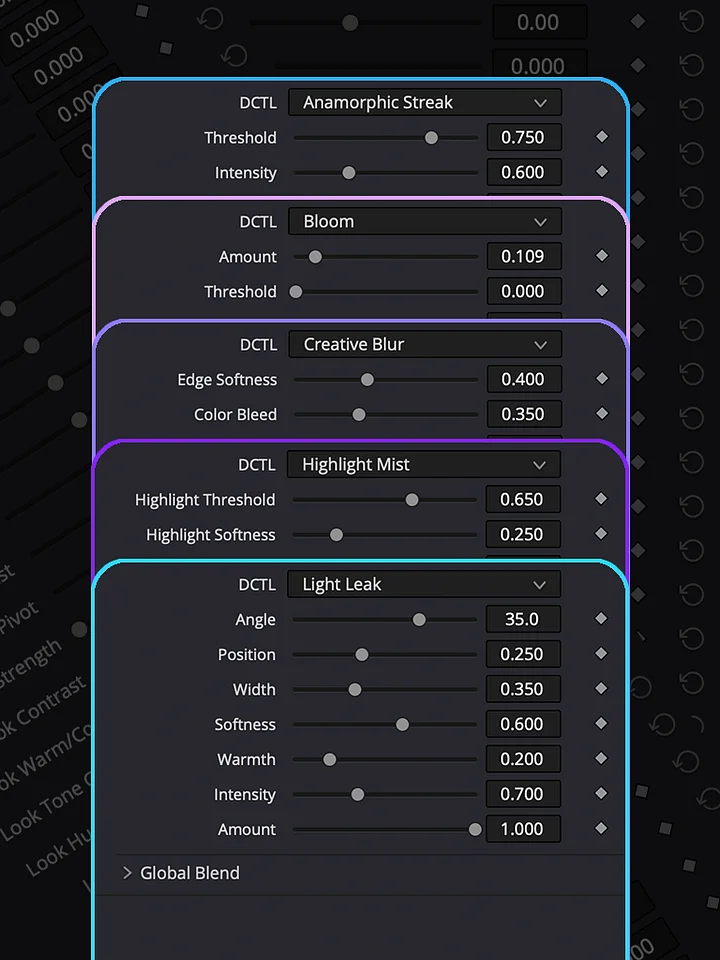
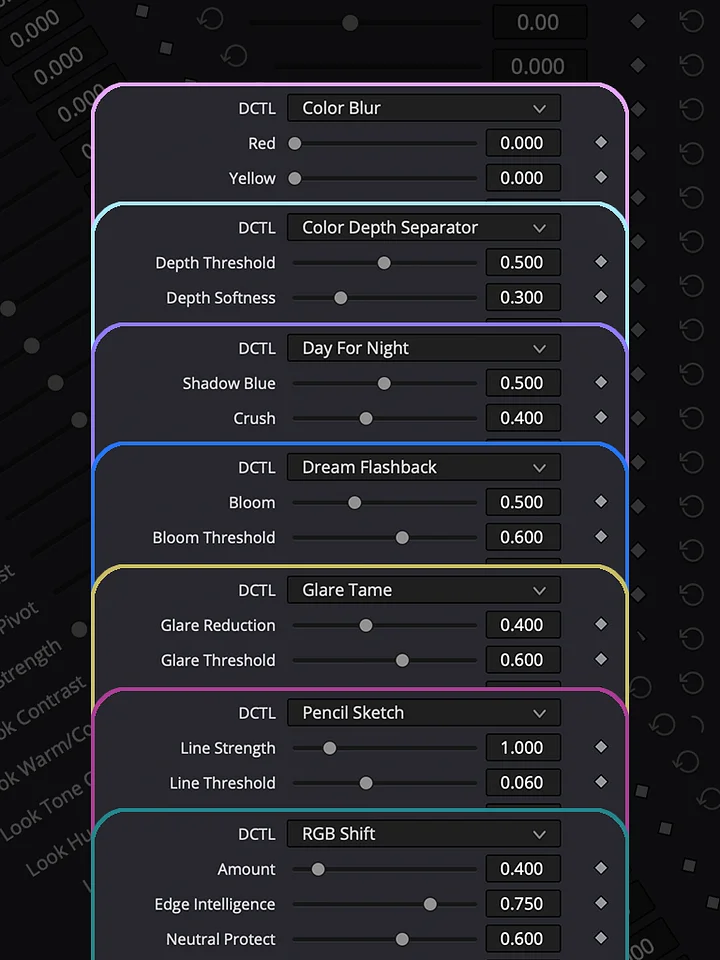
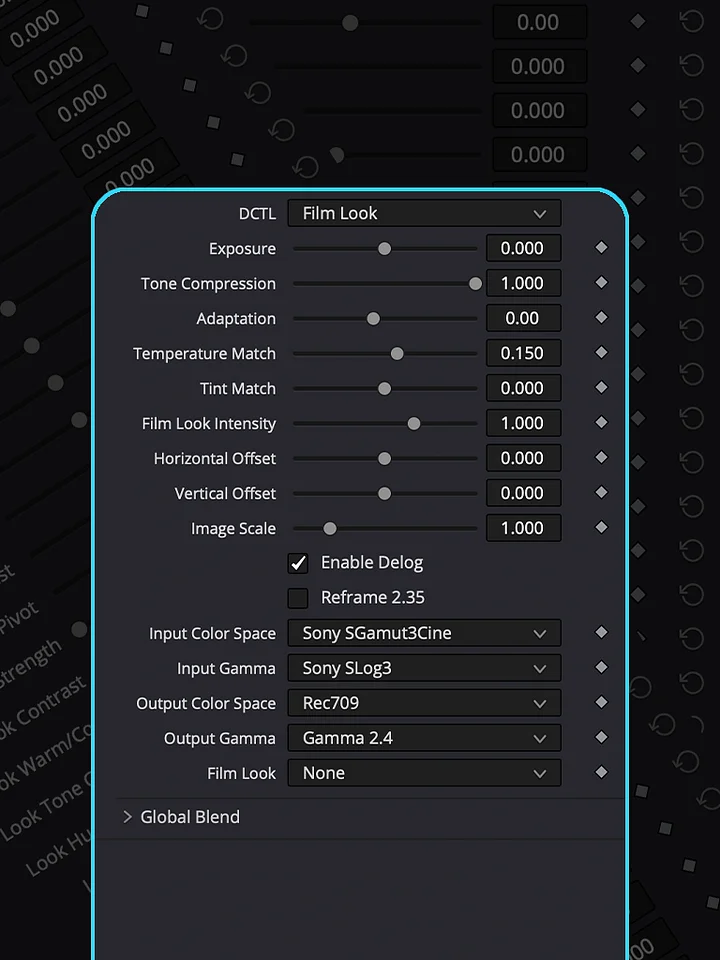
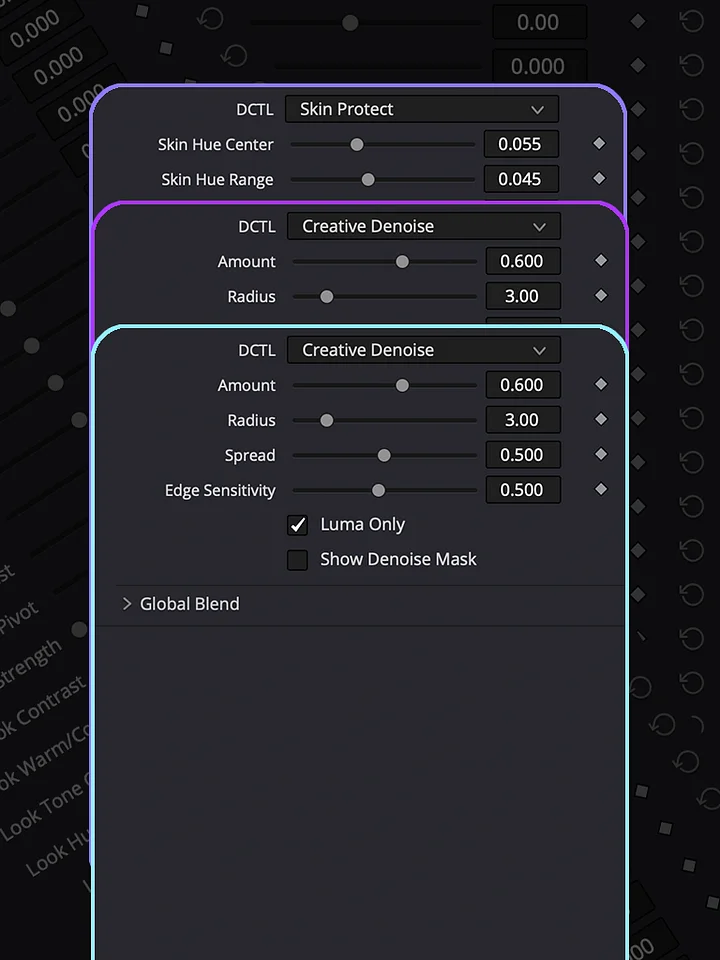
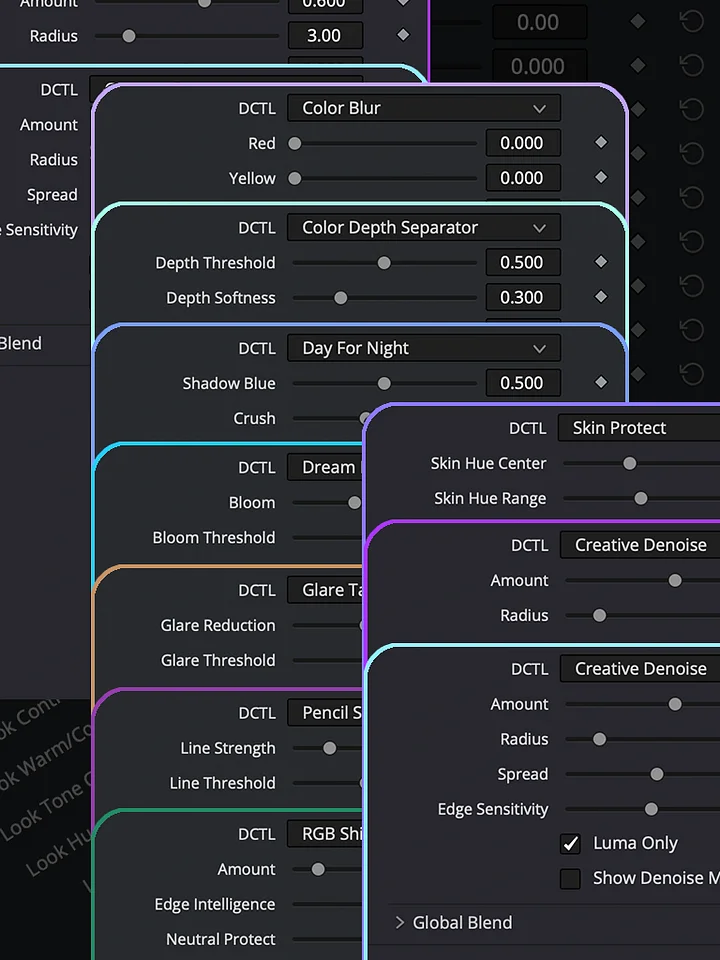
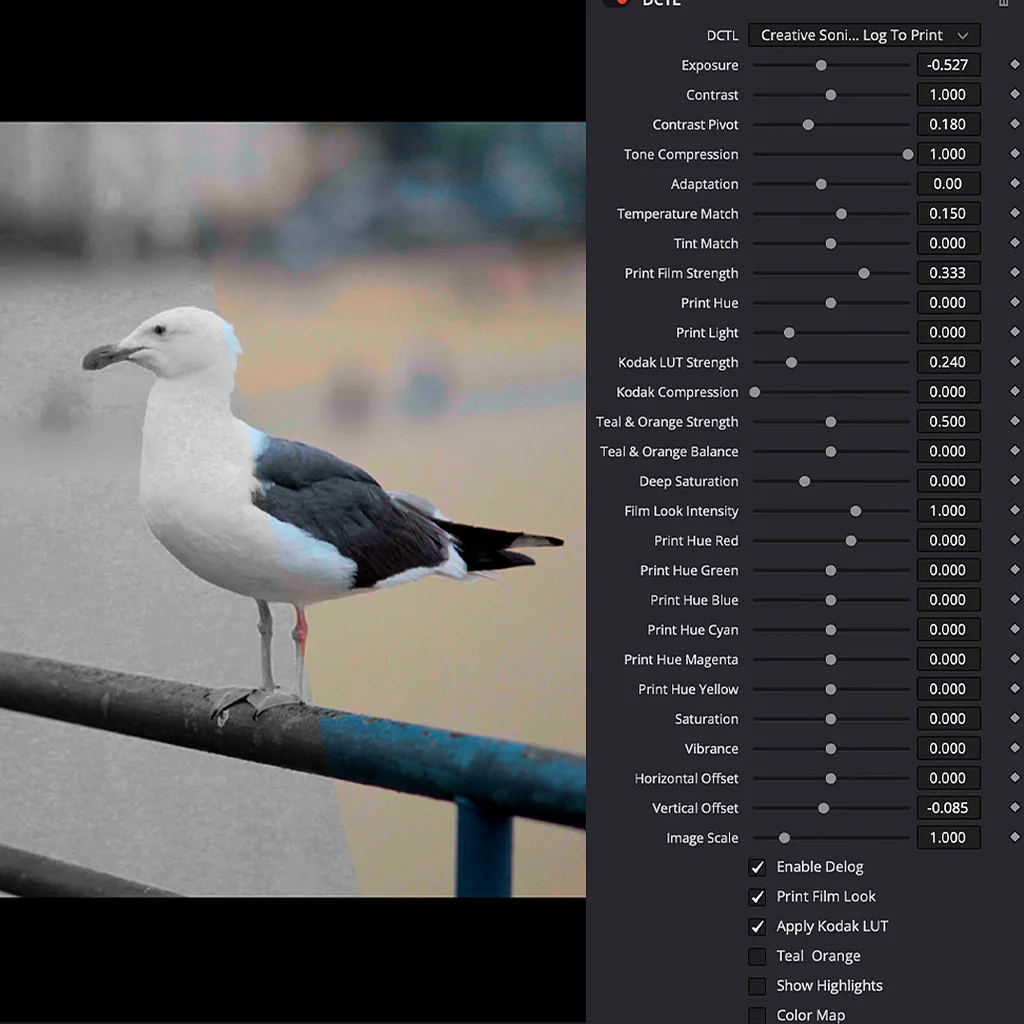
How To Install DCTL?
Download the DCTL file and place it in the DCTL folder used by DaVinci Resolve. On Mac, you can find it at /Library/Application Support/Blackmagic Design/DaVinci Resolve/LUT/. On Windows, use C:\ProgramData\Blackmagic Design\DaVinci Resolve\Support\LUT. After copying the file, open DaVinci Resolve and go to Project Settings → Color Management → Open LUT Folder to verify the location, then refresh the LUTs. Your DCTL will then be available in the DCTL menu on the Color page.
DCTLs in Action
Explore the Log To Print Universe through real grading examples and see how each collection can be used in practice. Log To Print is built for production-quality color grading and print emulation. Grade & Restore focuses on correcting and restoring footage. Film Look creates distinctive film-inspired images, while Shape & Tone gives you control over contrast, density, and tonal balance. Creative Effects adds tools for image manipulation and experimentation, and Lens & Atmosphere brings optical character, diffusion, and atmospheric effects into the grade.
Frequently Asked Questions
Have questions? Find quick answers to the most common questions about the collection, installation, compatibility, features, and workflow. If you’re looking for something specific, this section should help you get up and running quickly.
What is Log To Print Universe?
Log To Print Universe is a complete color-grading system built around professional DCTL tools for DaVinci Resolve Studio. It combines film emulation, image transformation, and creative grading tools designed to give you different ways to shape and finish your footage.
What is Log To Print Universe?
Log To Print Universe is a complete color-grading system built around professional DCTL tools for DaVinci Resolve Studio. It combines film emulation, image transformation, and creative grading tools designed to give you different ways to shape and finish your footage.
What is Log To Print?
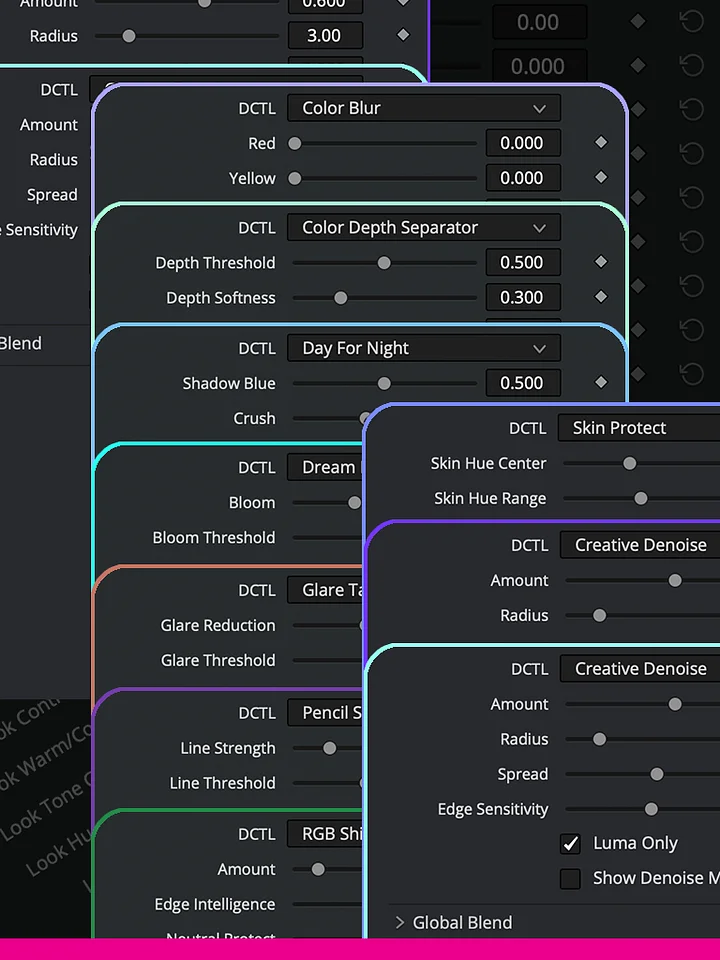
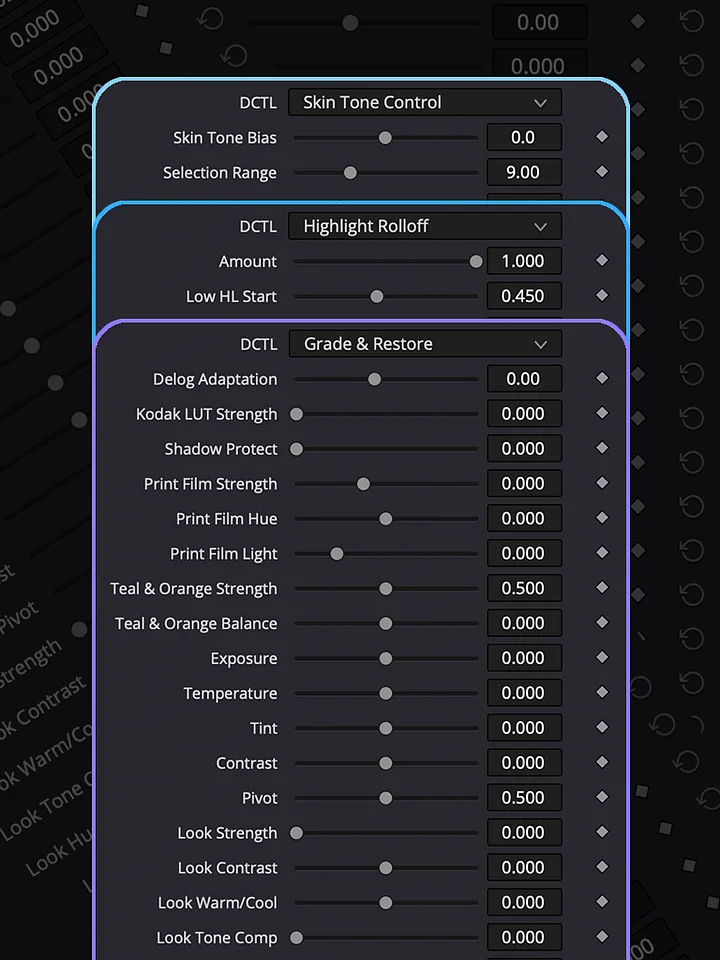
A DCTL can combine complex image processing into a single node while keeping the controls accessible in one place. Instead of building and managing multiple utility nodes for the same process, Log To Print brings the main transformation, print emulation, and grading controls together.
What can I create with Log To Print?
The system is designed to go beyond one fixed film look. The controls can be used to create different interpretations of the image, from clean and natural results to more stylized cinematic treatments. The demonstrations showcase different possibilities and ways of working with the tools.
Do I need to be a professional colorist?
The system is designed to be accessible whether you want a fast starting point or want to explore the controls more deeply. You don't need to build a complex node tree from scratch to start using the tools.
Can the DCTL produce professional results?
Yes. The tools are designed for professional workflows and can be used to create high-quality results for film, video, commercial, and other production work.
What software do I need?
Log To Print Universe is designed for DaVinci Resolve Studio.
Can I use the DCTLs in professional and commercial projects?
Yes. You can use the DCTLs in your own professional and commercial projects and use the resulting graded footage for your productions.
Can I try Log To Print before purchasing?
Yes. A fully functional demo version with a watermark is available for download. You can install it, test the DCTL with your own footage, explore the controls, and see how the system works before purchasing.
Can I use the included demonstrations and materials commercially?
The DCTLs can be used in your own projects. The demonstrations, videos, and other included materials are provided for personal use and may not be reproduced, resold, or distributed.
Do you offer refunds?
All purchases are final. Because the product includes downloadable digital content. A fully functional demo version with a watermark is available for download, so you can test the DCTL and see what it can do before purchasing.