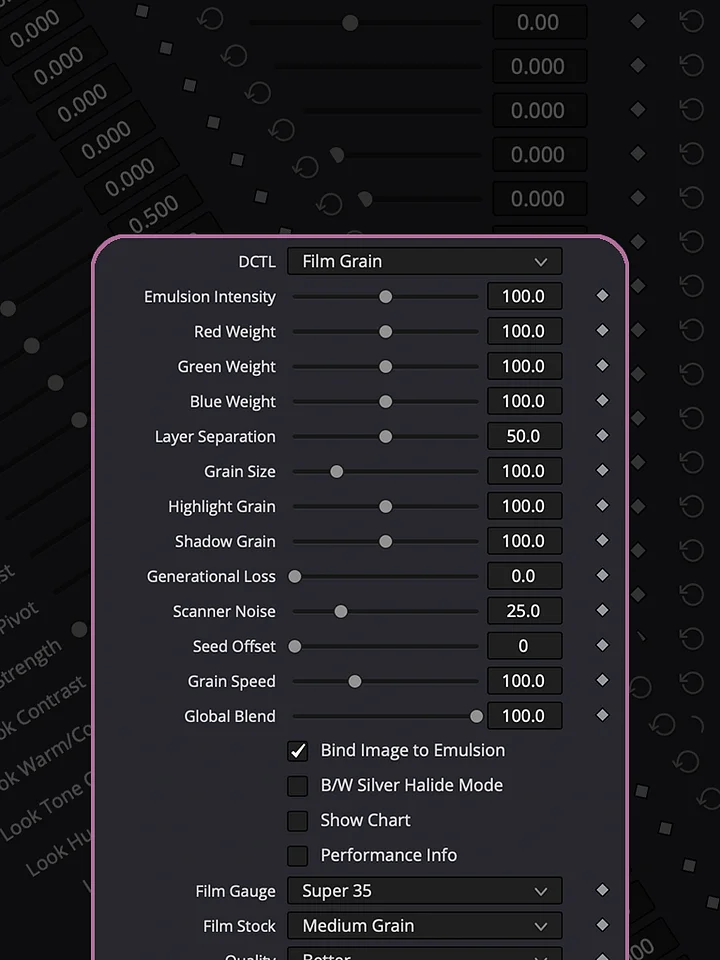
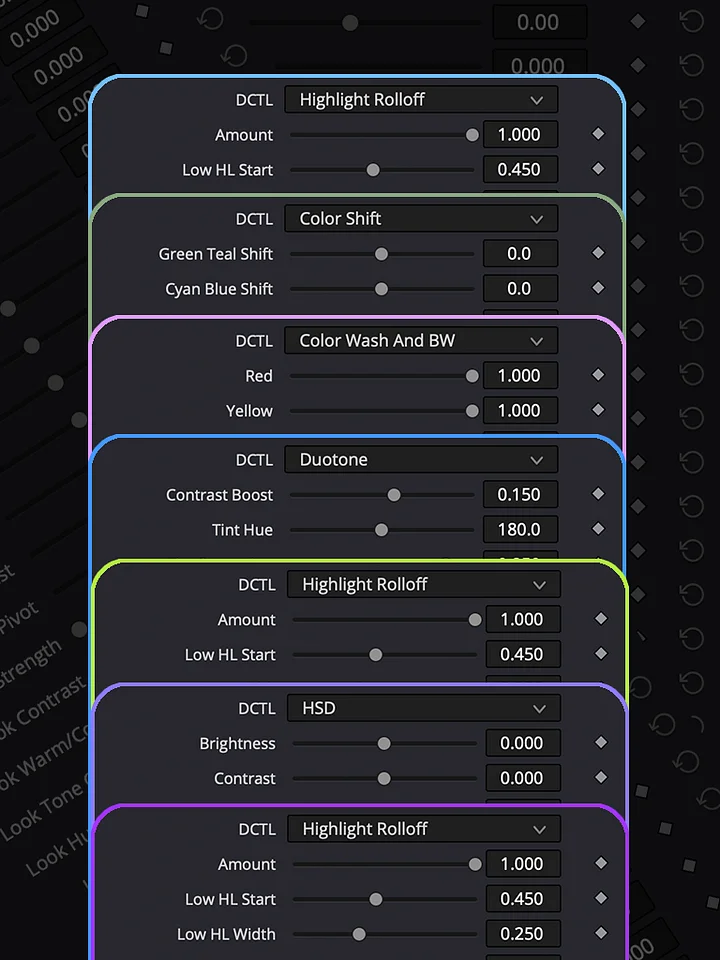
Film Look
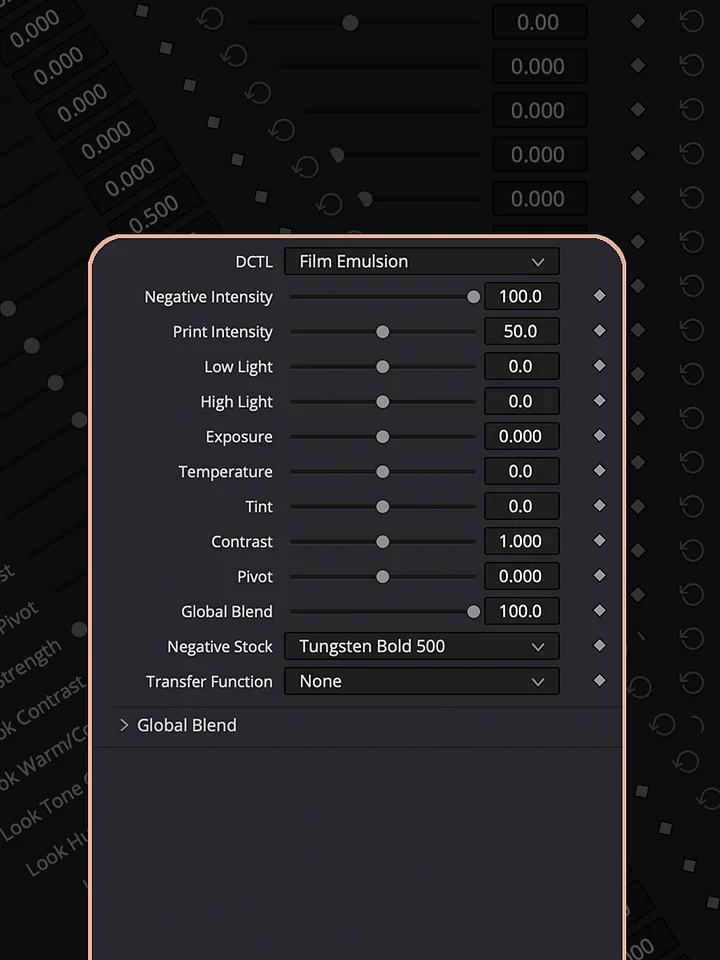
A fast, straightforward way to give your footage a professional film character without building a complicated grading setup. Film Look puts several film looks and essential color adjustments into a single DCTL node, allowing you to shape the image quickly while keeping everything accessible and adjustable in one place.
In the support videos, you’ll see practical examples of how to use the different film looks, how to adjust the image to fit your footage, and how to build a finished result without stacking multiple LUTs and utility nodes. You’ll also see how the tool can be used with RAW footage using the dedicated RAW variation.
The goal is simple: get a strong film look quickly, keep the grade flexible, and spend less time building nodes and more time refining the image.
HOW TO INSTALL
Download the DCTL file and place it in the DCTL folder used by DaVinci Resolve. On Mac, you can find it at /Library/Application Support/Blackmagic Design/DaVinci Resolve/LUT/. On Windows, use C:\ProgramData\Blackmagic Design\DaVinci Resolve\Support\LUT. After copying the file, open DaVinci Resolve and go to Project Settings → Color Management → Open LUT Folder to verify the location, then refresh the LUTs. Your DCTL will then be available in the DCTL menu on the Color page.
DCTLs in Action
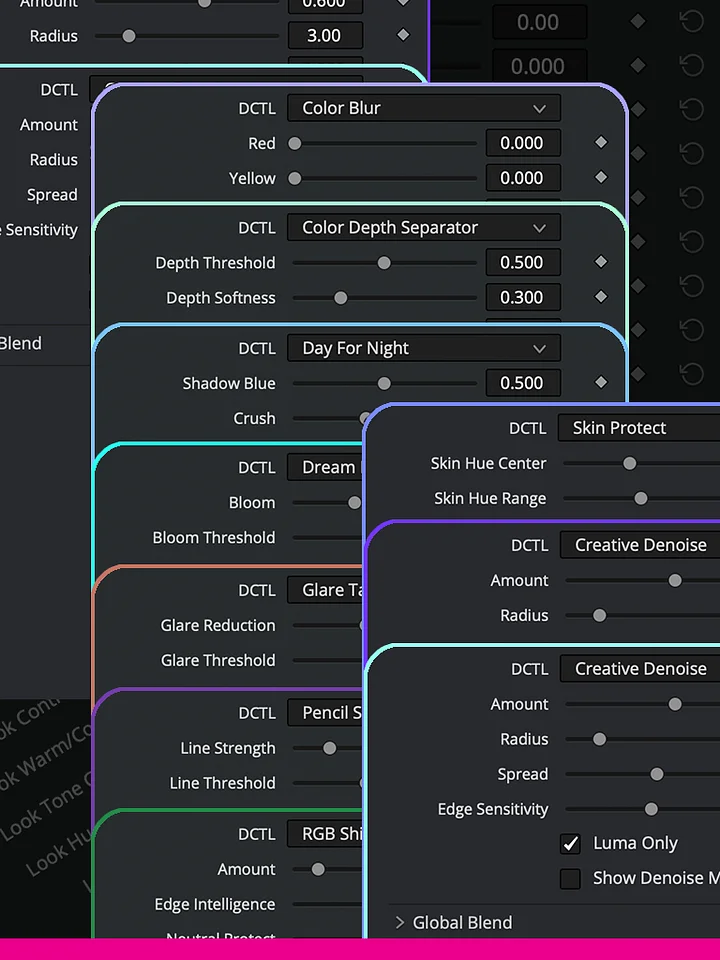
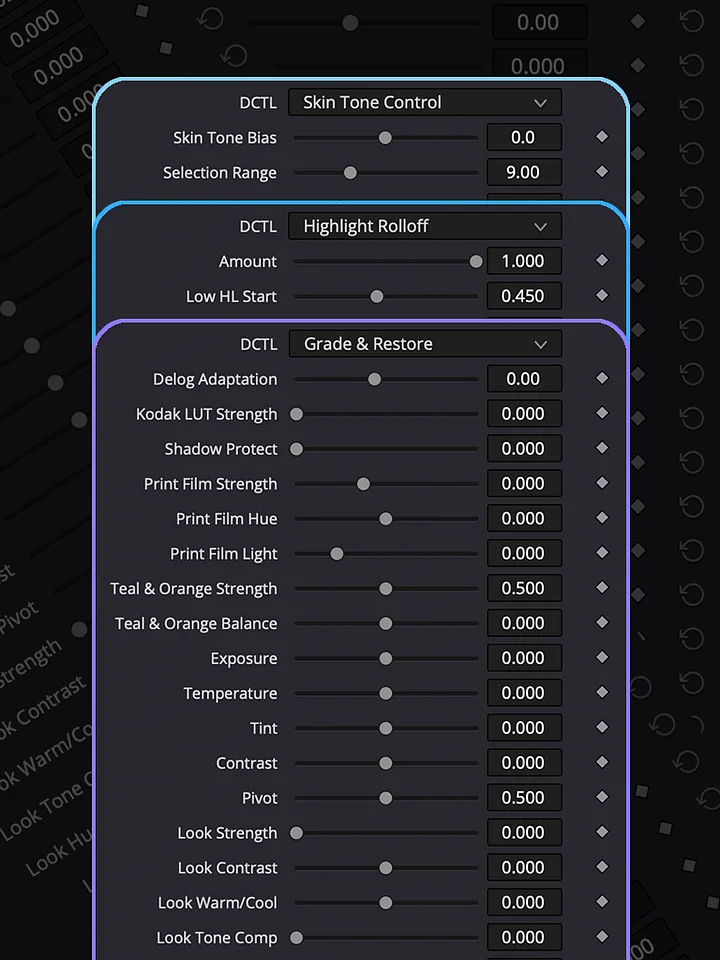
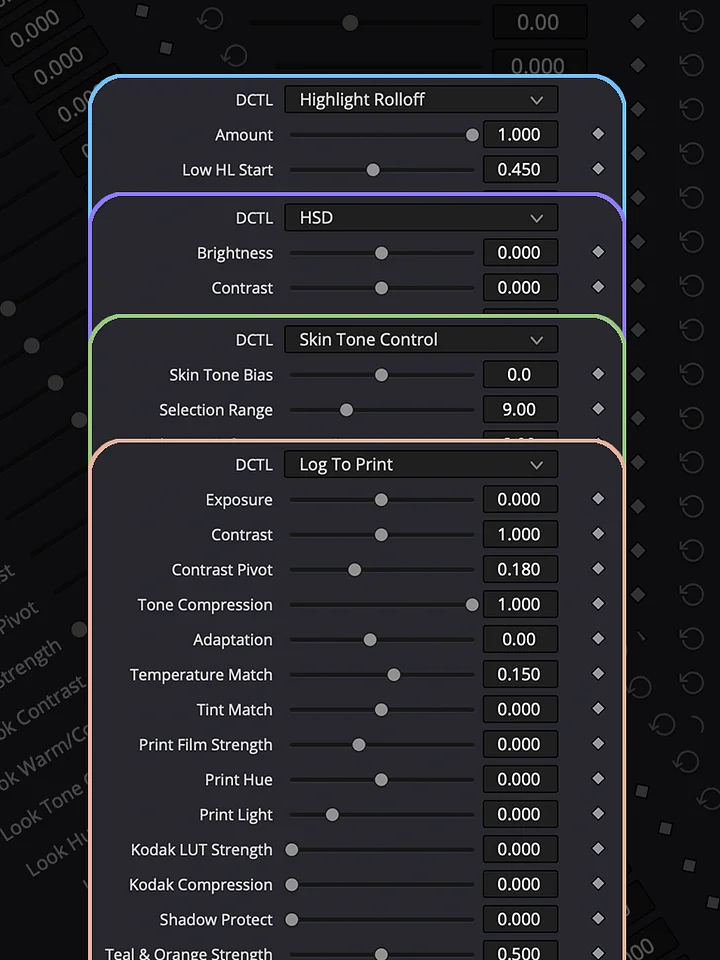
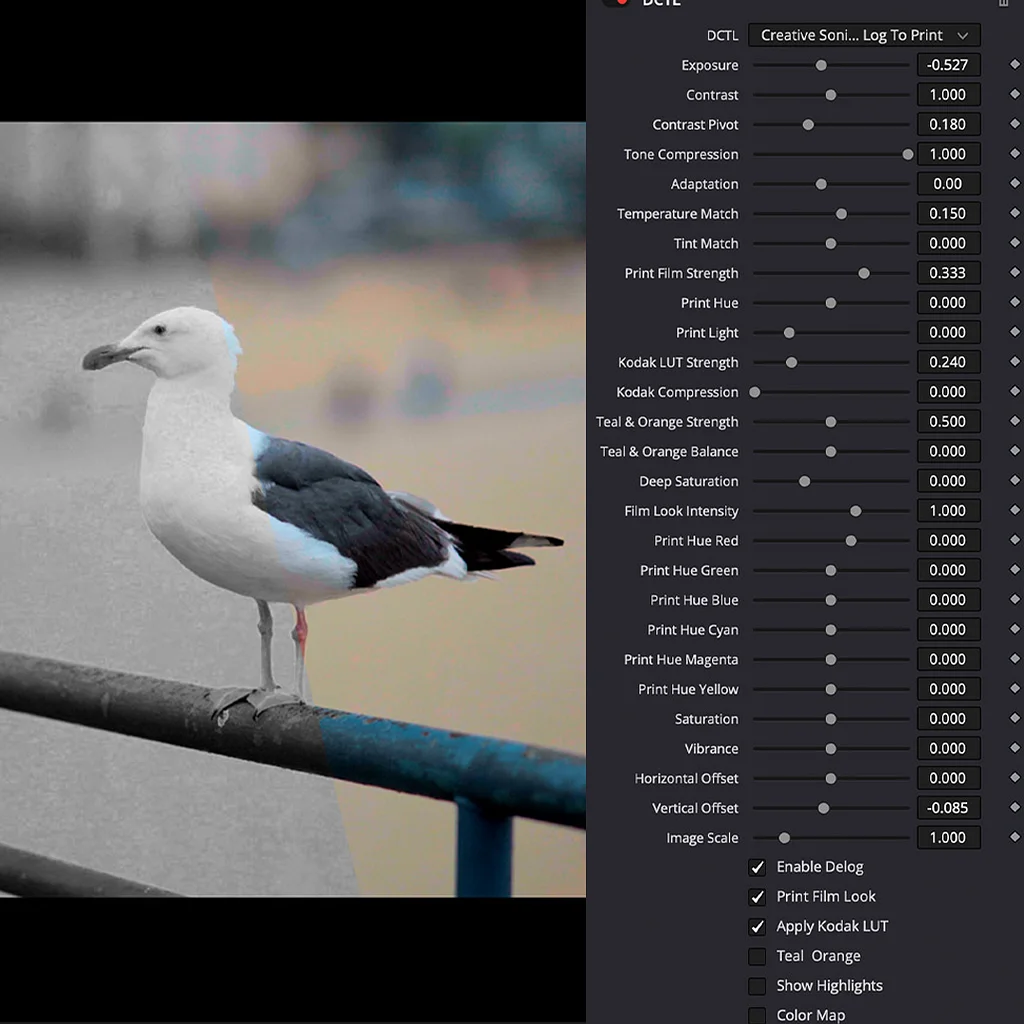
Explore the Log To Print Universe through real grading examples and see how each collection can be used in practice. Log To Print is built for production-quality color grading and print emulation. Grade & Restore focuses on correcting and restoring footage. Film Look creates distinctive film-inspired images, while Shape & Tone gives you control over contrast, density, and tonal balance. Creative Effects adds tools for image manipulation and experimentation, and Lens & Atmosphere brings optical character, diffusion, and atmospheric effects into the grade.