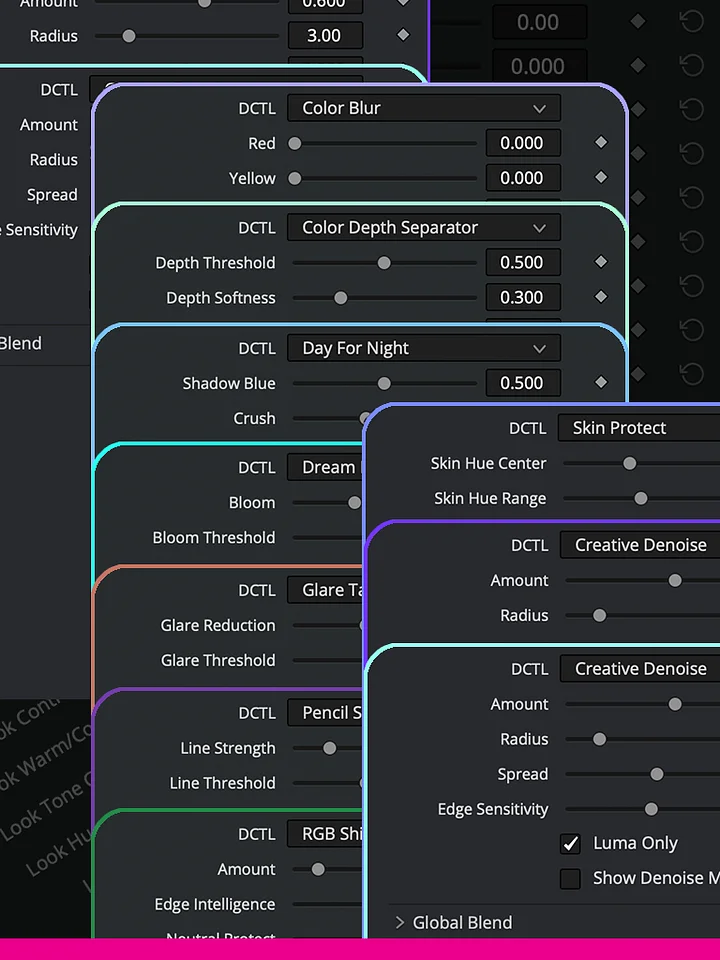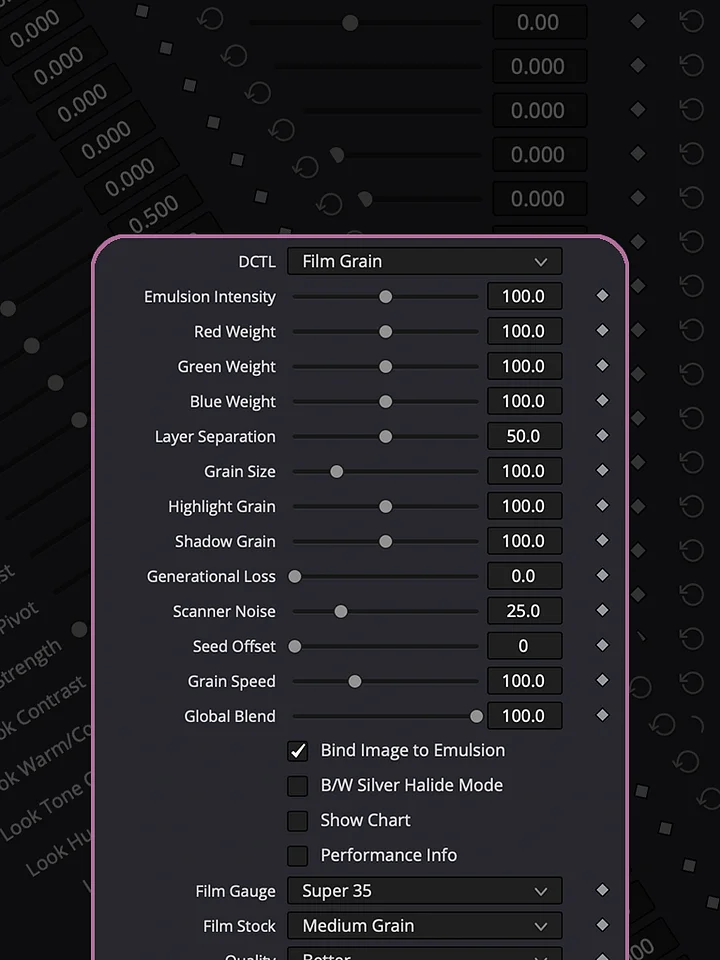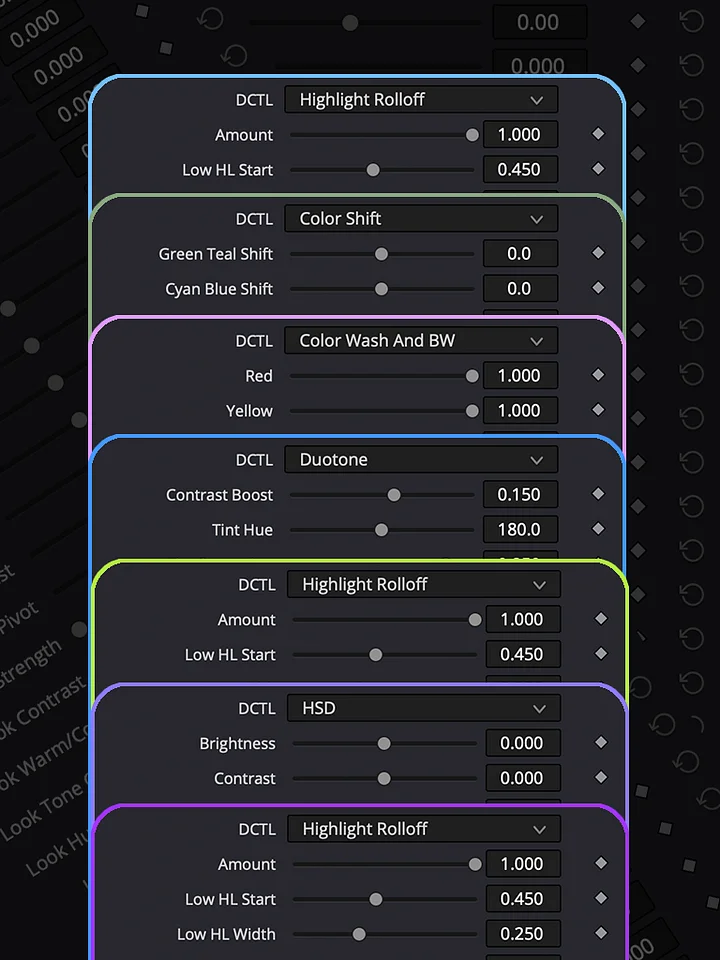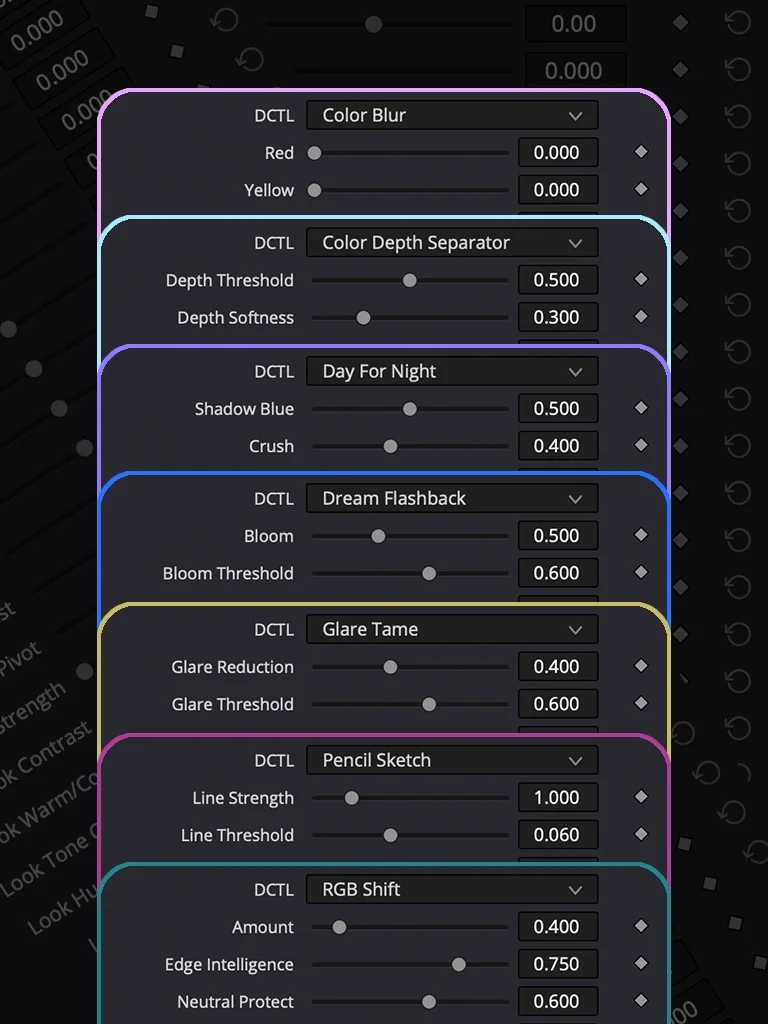
Creative Effects Bundle
A collection of eight creative cinematic effects designed to give you powerful visual treatments without building complicated effect chains. Each DCTL is built to handle its specific effect in a single node, giving you direct control over the result while keeping your node tree clean and easy to manage.
In these support videos, you’ll see real examples of how the effects can be used in a professional grading workflow — from RGB Shift, Color Blur, and Selective Recolor to Day for Night, Dream Flashback, Pencil Sketch, Color Depth Separator, and Glare Tame. The examples show not only what each effect can do, but how to use it creatively, how to control the intensity and character of the effect, and how it can be integrated into an existing grade.
Unlike a fixed preset or LUT, these are active tools that allow you to adjust the effect to your footage and creative intention. RAW variations are also included, giving you additional flexibility when working with RAW material.
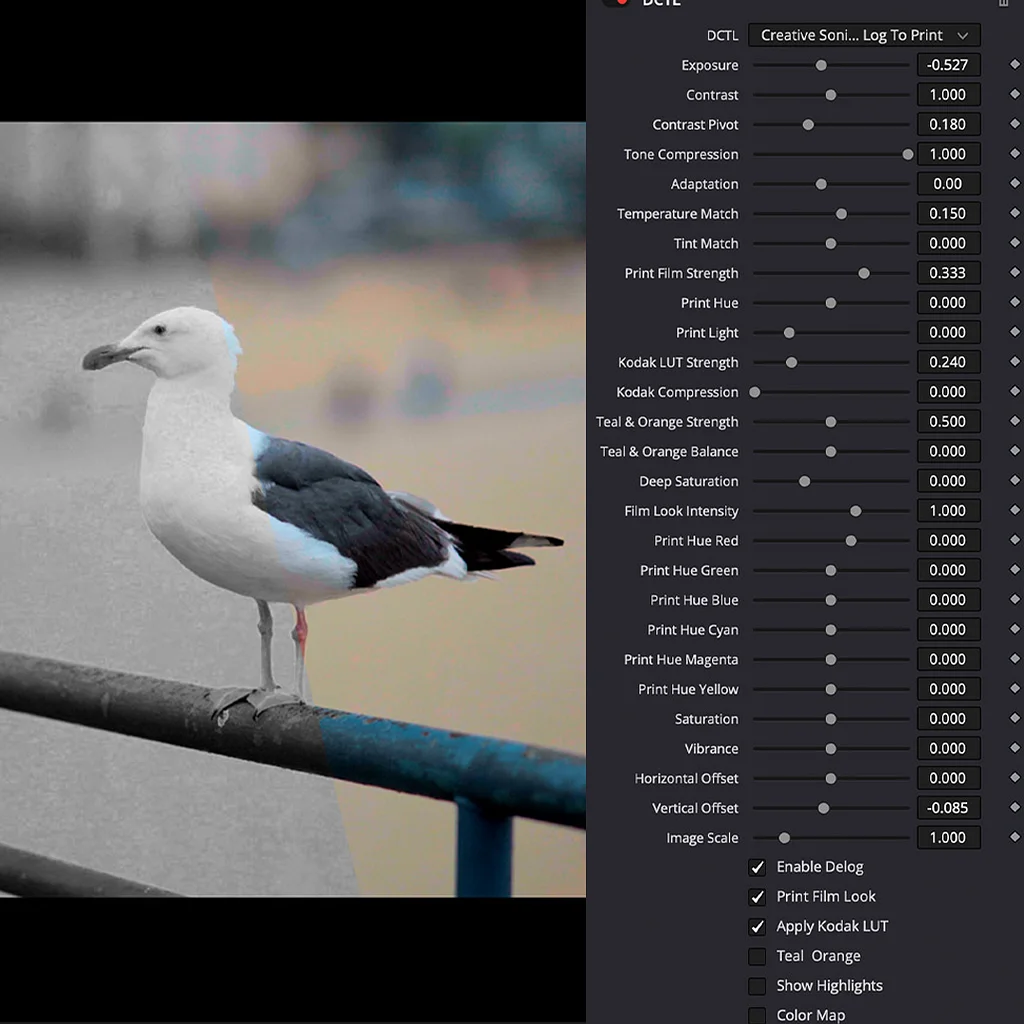
HOW TO INSTALL
Download the DCTL file and place it in the DCTL folder used by DaVinci Resolve. On Mac, you can find it at /Library/Application Support/Blackmagic Design/DaVinci Resolve/LUT/. On Windows, use C:\ProgramData\Blackmagic Design\DaVinci Resolve\Support\LUT. After copying the file, open DaVinci Resolve and go to Project Settings → Color Management → Open LUT Folder to verify the location, then refresh the LUTs. Your DCTL will then be available in the DCTL menu on the Color page.
DCTLs in Action
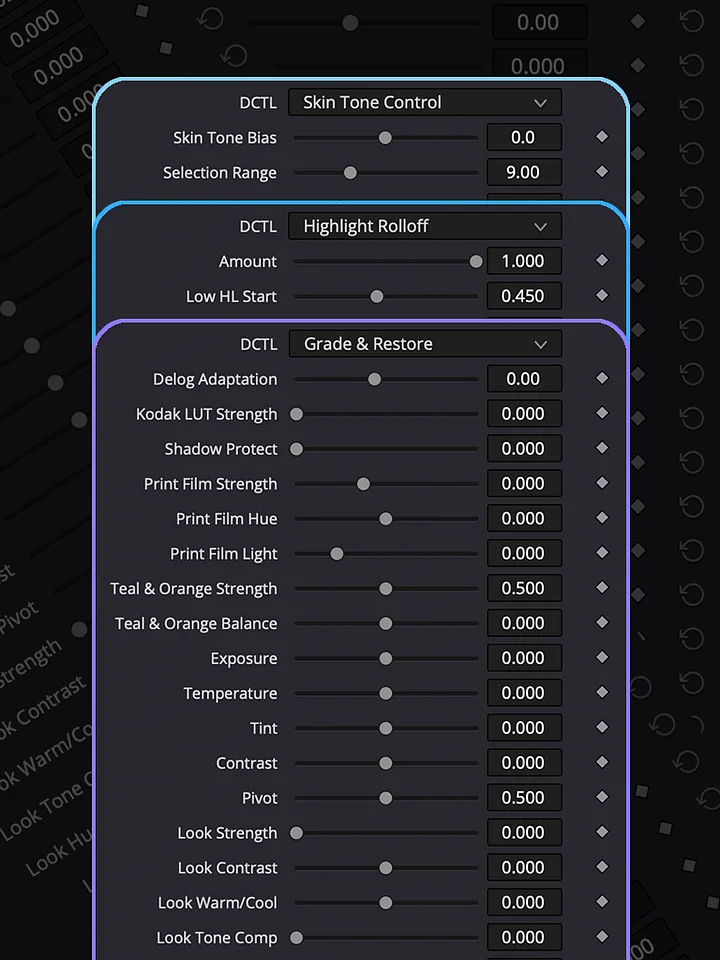
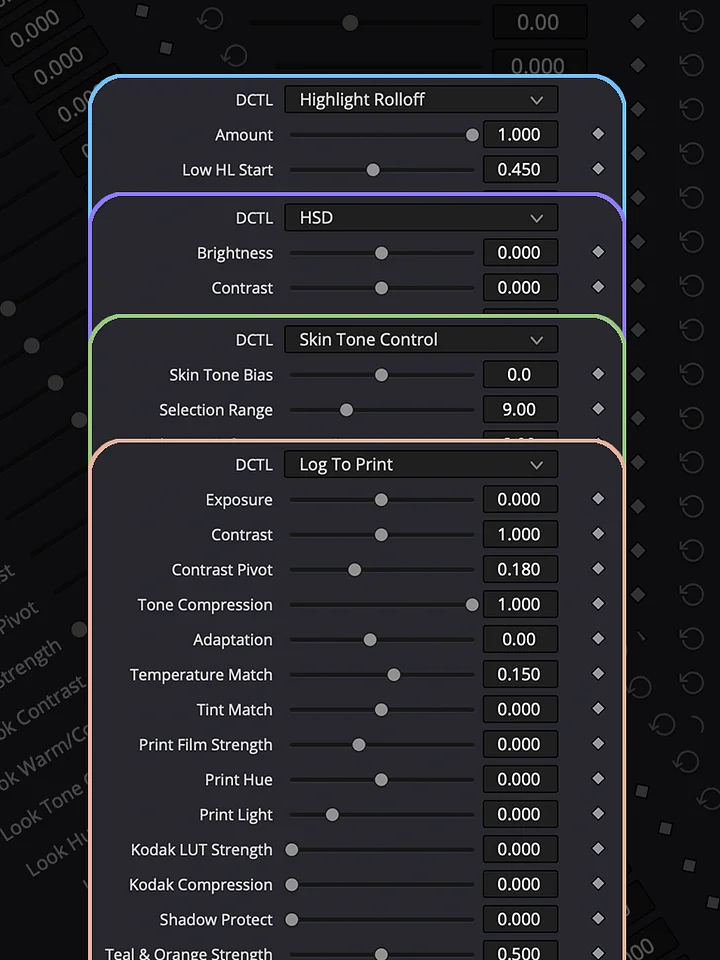
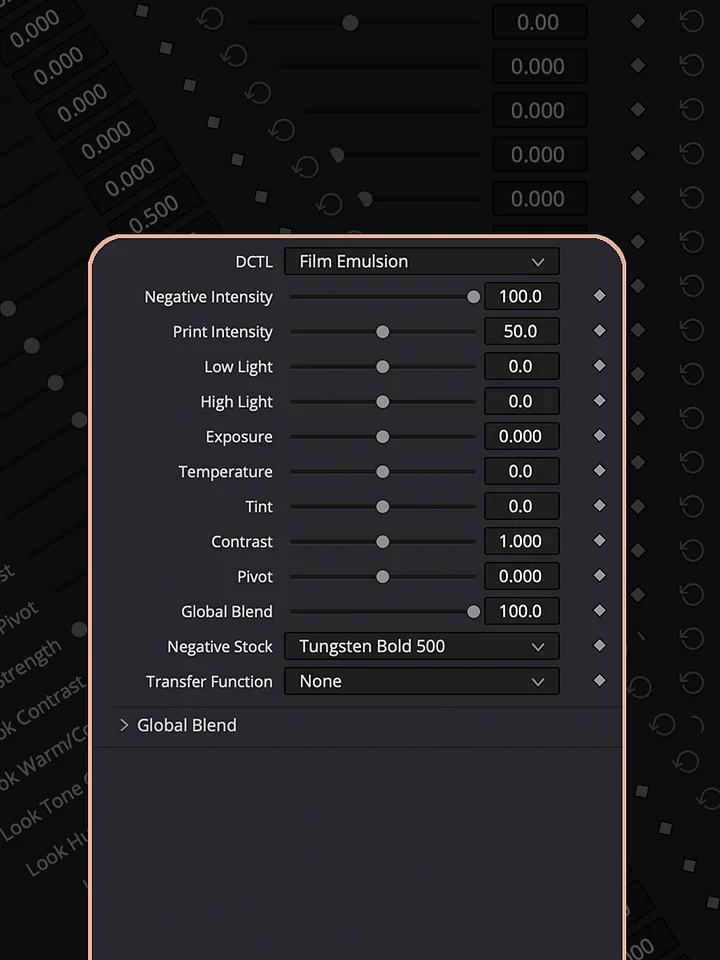
Explore the Log To Print Universe through real grading examples and see how each collection can be used in practice. Log To Print is built for production-quality color grading and print emulation. Grade & Restore focuses on correcting and restoring footage. Film Look creates distinctive film-inspired images, while Shape & Tone gives you control over contrast, density, and tonal balance. Creative Effects adds tools for image manipulation and experimentation, and Lens & Atmosphere brings optical character, diffusion, and atmospheric effects into the grade.