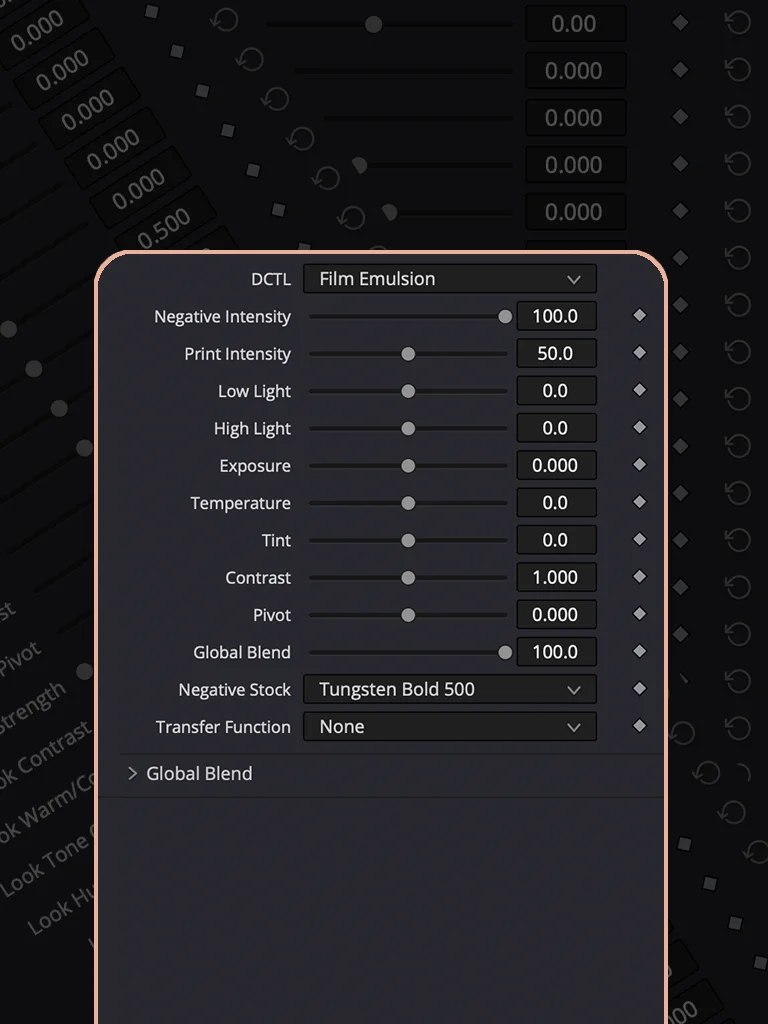
Eilm Emulation
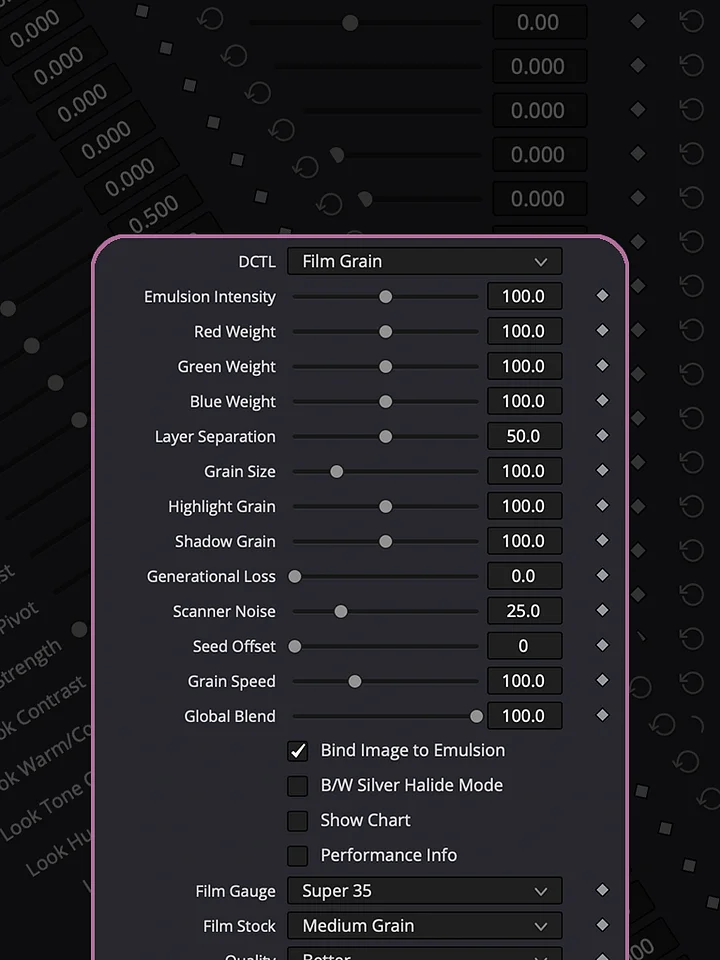
Negative stock character and print transfer, baked into one node. Pick a stock. Dial in the printer light. Done.
I built this because dialing in a believable negative + print combo by hand takes a dozen nodes and an hour you don't have. This does it in two dropdowns.
Independent negative and print intensity. Exposure, temperature, tint, contrast, and pivot — all before the stock math, all working together. Kodak Print 2383 is measured, not guessed — pulled straight from a real reference LUT. The negative stocks are tuned by ear for character, not claiming to be lab-accurate to any specific real stock.
Apply it last. It's the glue that pulls your whole timeline into one look.
HOW TO INSTALL
Download the DCTL file and place it in the DCTL folder used by DaVinci Resolve. On Mac, you can find it at /Library/Application Support/Blackmagic Design/DaVinci Resolve/LUT/. On Windows, use C:\ProgramData\Blackmagic Design\DaVinci Resolve\Support\LUT. After copying the file, open DaVinci Resolve and go to Project Settings → Color Management → Open LUT Folder to verify the location, then refresh the LUTs. Your DCTL will then be available in the DCTL menu on the Color page.
DCTLs in Action
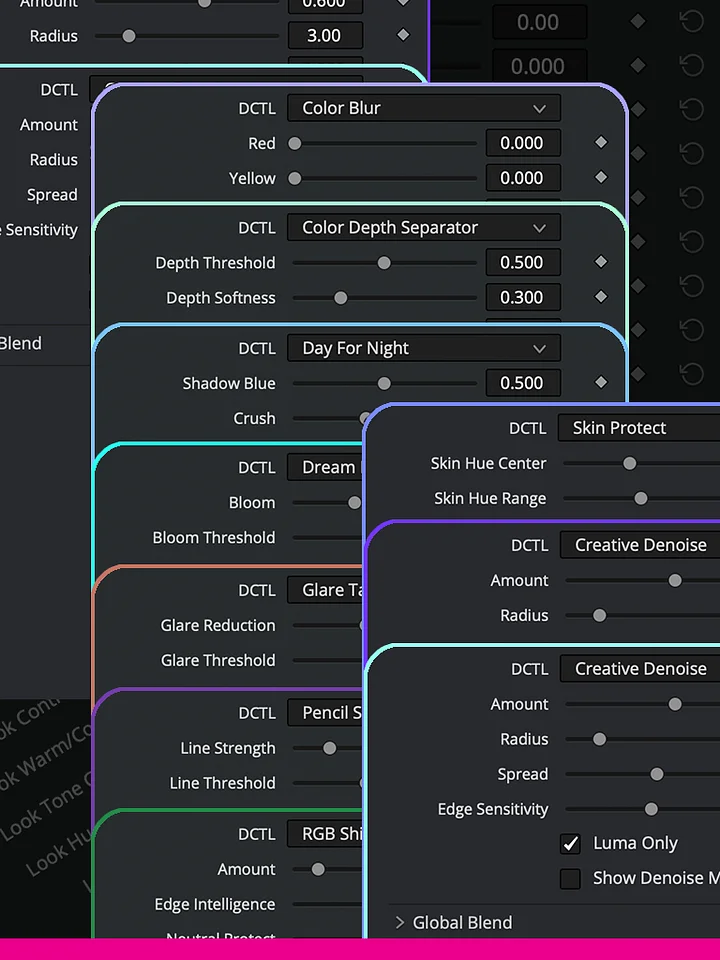
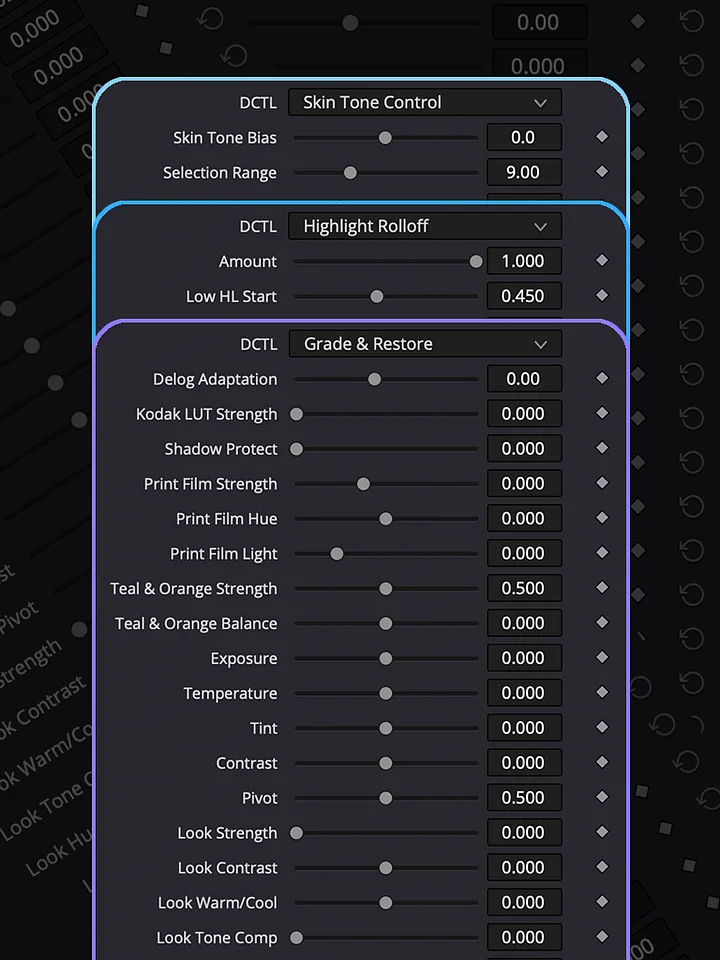
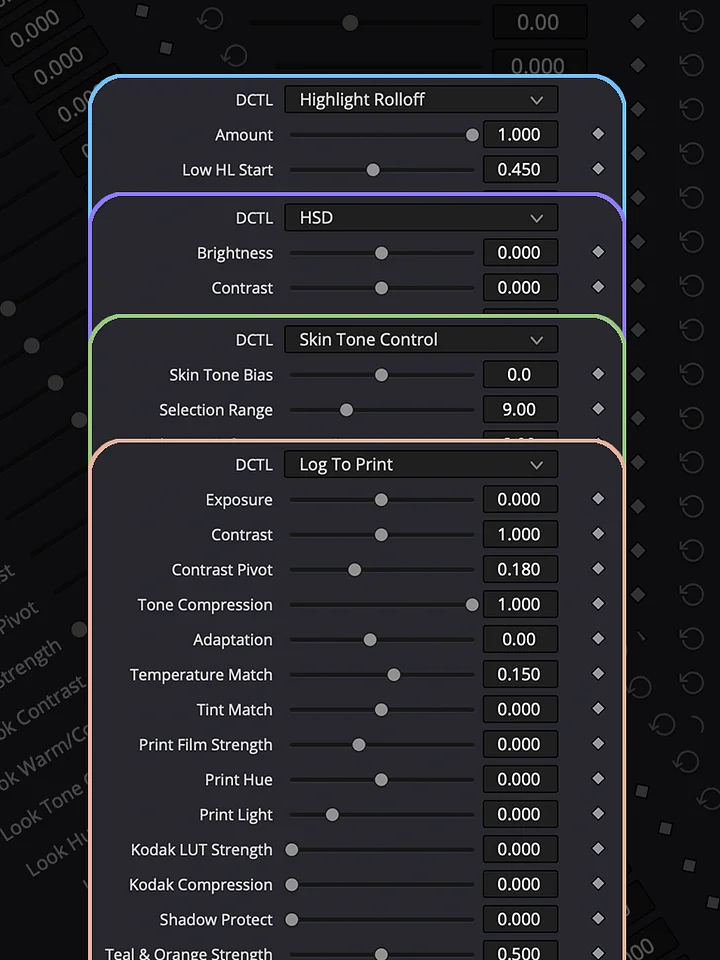
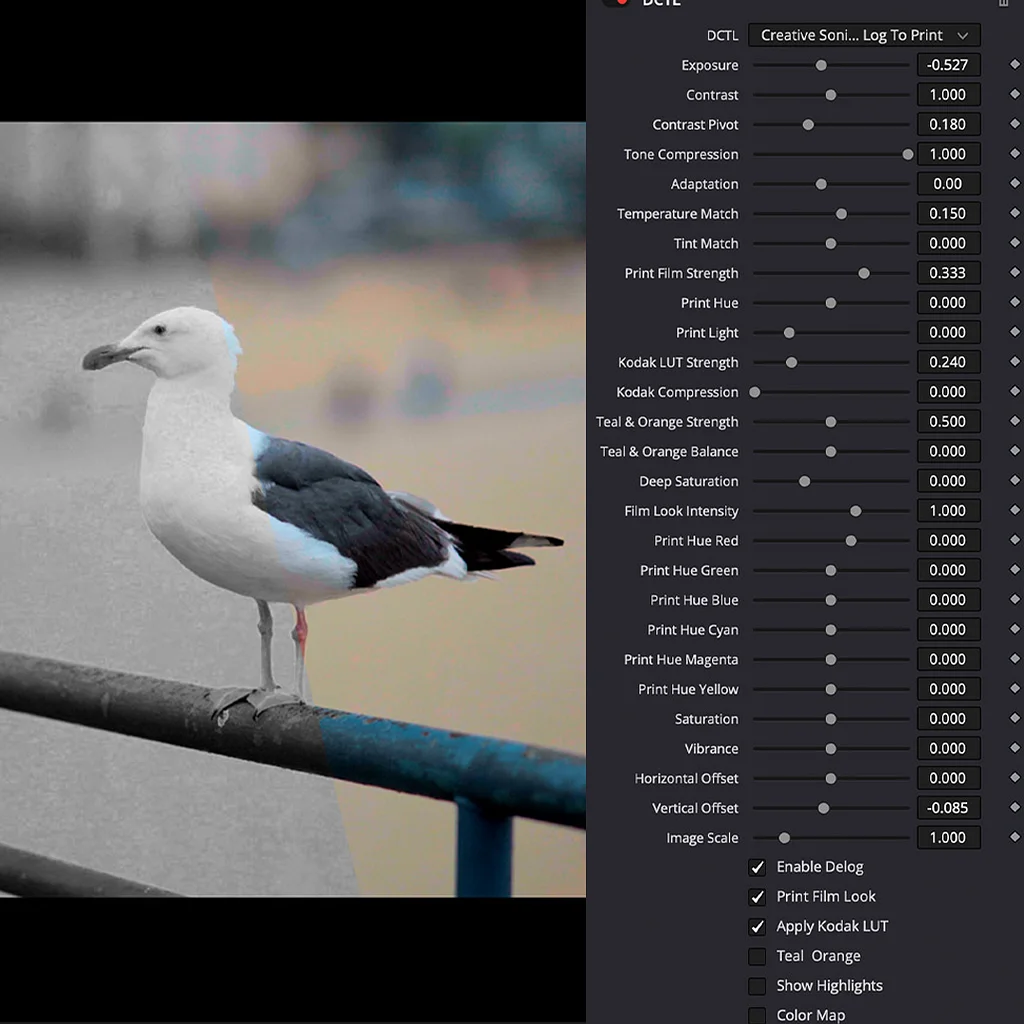
Explore the Log To Print Universe through real grading examples and see how each collection can be used in practice. Log To Print is built for production-quality color grading and print emulation. Grade & Restore focuses on correcting and restoring footage. Film Look creates distinctive film-inspired images, while Shape & Tone gives you control over contrast, density, and tonal balance. Creative Effects adds tools for image manipulation and experimentation, and Lens & Atmosphere brings optical character, diffusion, and atmospheric effects into the grade.