Film Grain
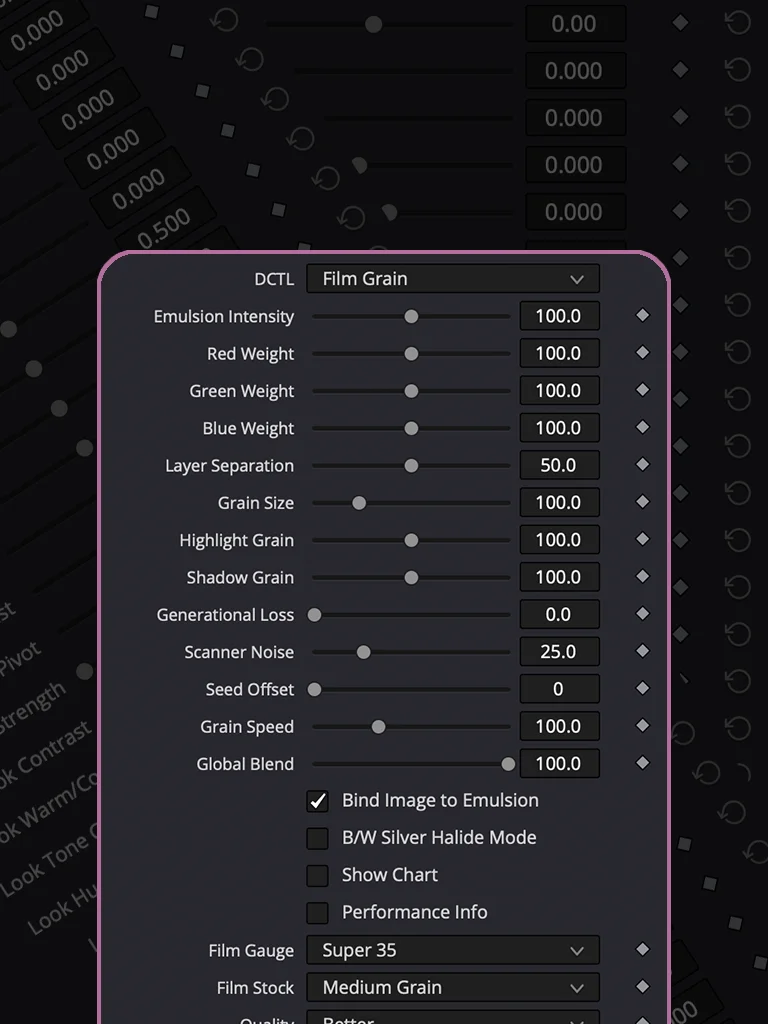
Real film grain moves. Digital noise sits there. This one moves.
Every frame gets a new pattern — not a looping texture, not a frozen overlay. Grain Speed lets you push it slower and heavier or faster and more restless. Your call.
Full control over red, green, and blue grain independently.
Shadow and highlight response tuned separately, because grain doesn't show up the same in your blacks as it does in your highlights.
Film Gauge and Film Stock scale the grain size and visibility to match - Super 16 punches through, IMAX barely shows.
Built to run light. Real-time playback on an average machine, no proxy required.
Want these tightened further, lengthened for a full product page, or adjusted in tone?

HOW TO INSTALL
Download the DCTL file and place it in the DCTL folder used by DaVinci Resolve. On Mac, you can find it at /Library/Application Support/Blackmagic Design/DaVinci Resolve/LUT/. On Windows, use C:\ProgramData\Blackmagic Design\DaVinci Resolve\Support\LUT. After copying the file, open DaVinci Resolve and go to Project Settings → Color Management → Open LUT Folder to verify the location, then refresh the LUTs. Your DCTL will then be available in the DCTL menu on the Color page.
DCTLs in Action
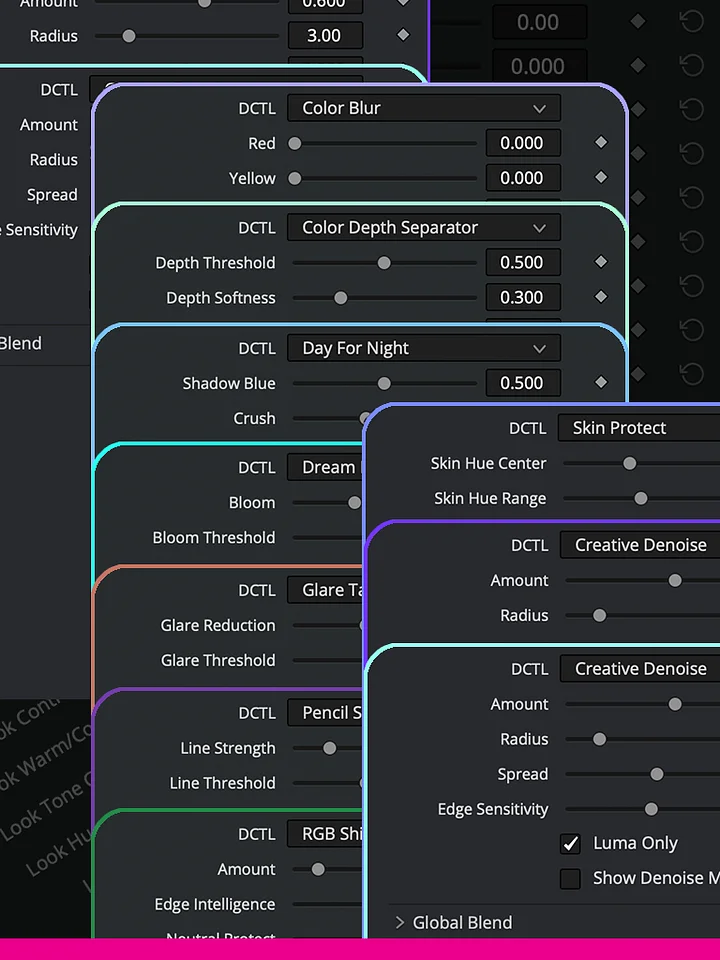
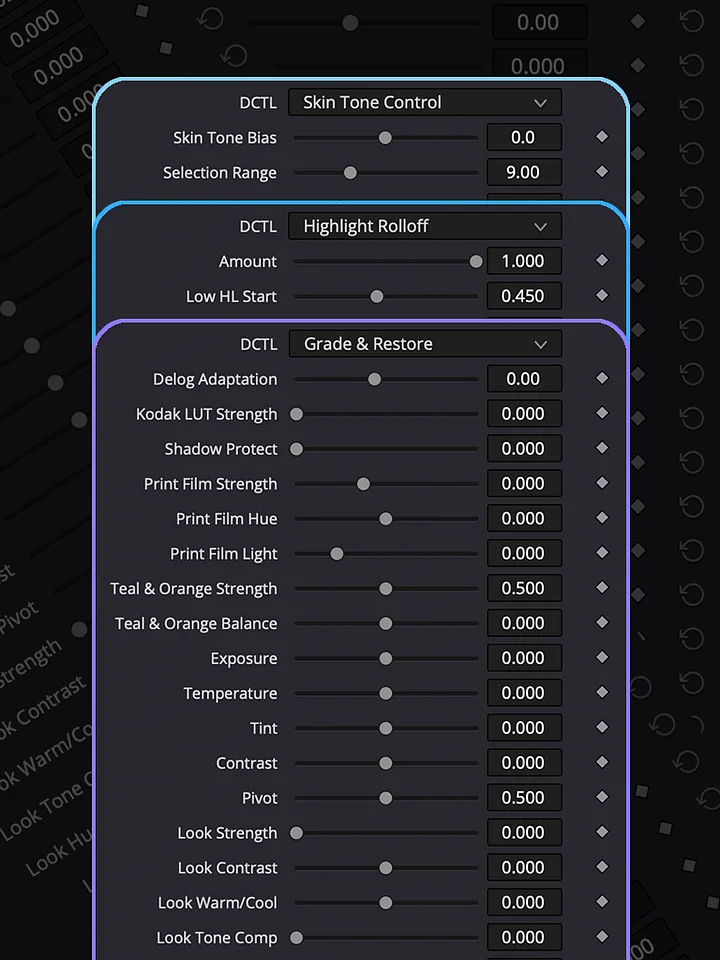
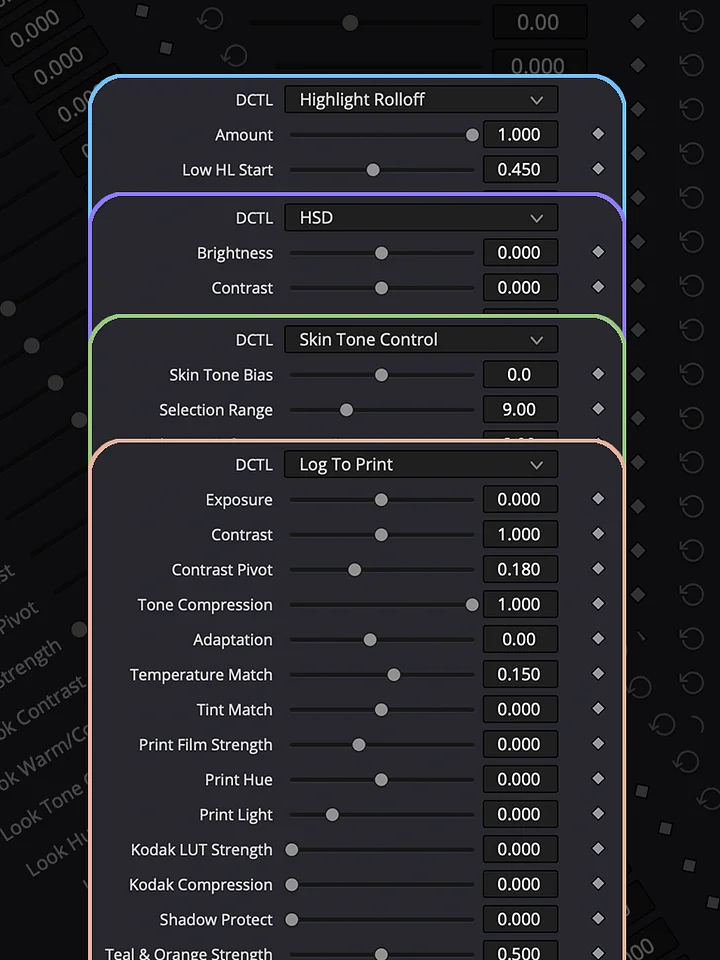
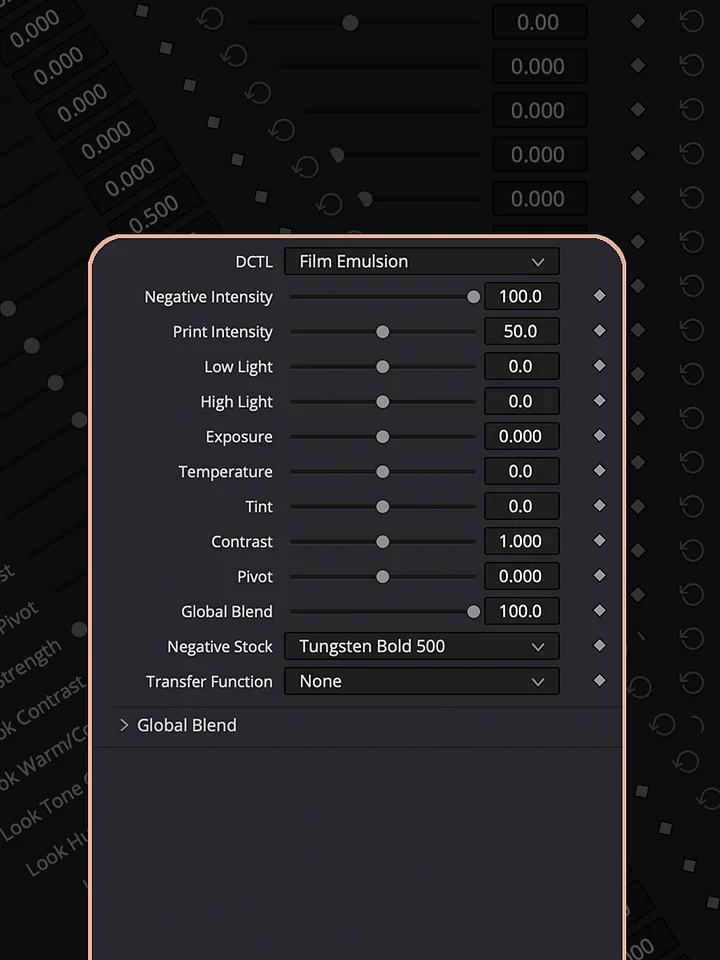
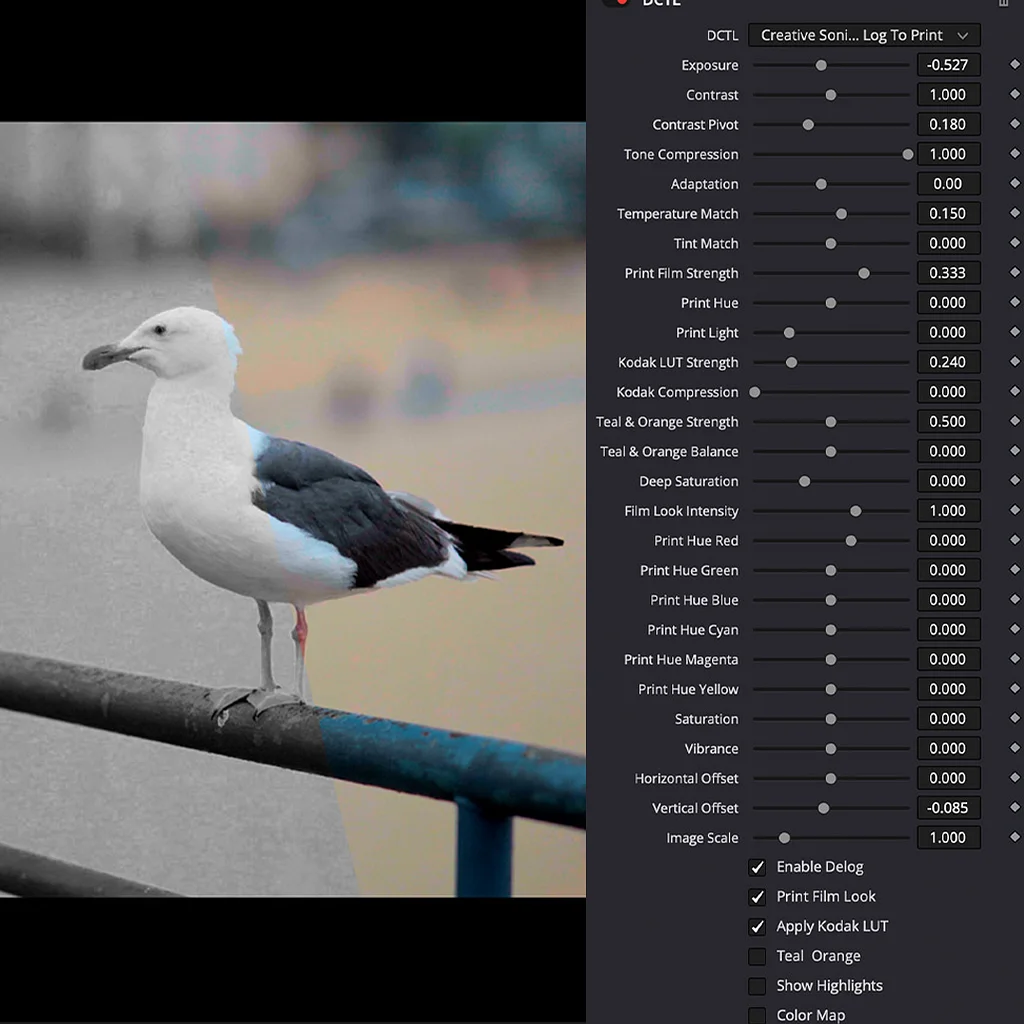
Explore the Log To Print Universe through real grading examples and see how each collection can be used in practice. Log To Print is built for production-quality color grading and print emulation. Grade & Restore focuses on correcting and restoring footage. Film Look creates distinctive film-inspired images, while Shape & Tone gives you control over contrast, density, and tonal balance. Creative Effects adds tools for image manipulation and experimentation, and Lens & Atmosphere brings optical character, diffusion, and atmospheric effects into the grade.