Master Collection
The complete Log To Print Universe color grading system, bringing every DCTL into one professional collection. Designed for colorists, filmmakers, and post-production professionals, the Master Collection combines log-to-print color transformation, film emulation, film grain, image restoration, tonal control, skin tone tools, highlight and shadow shaping, creative color manipulation, cinematic optical effects, texture, blur, and specialized finishing tools.
From building a clean cinematic foundation to creating distinctive film looks and finishing the final image, the Master Collection gives you a comprehensive set of tools for shaping color, contrast, texture, and atmosphere — all within DaVinci Resolve.
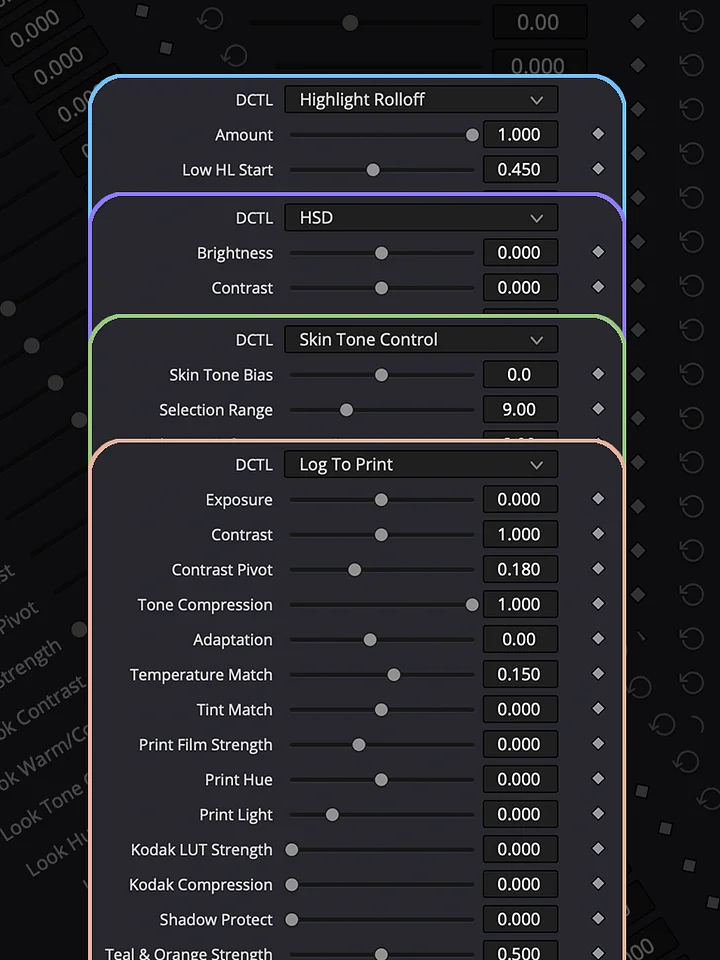
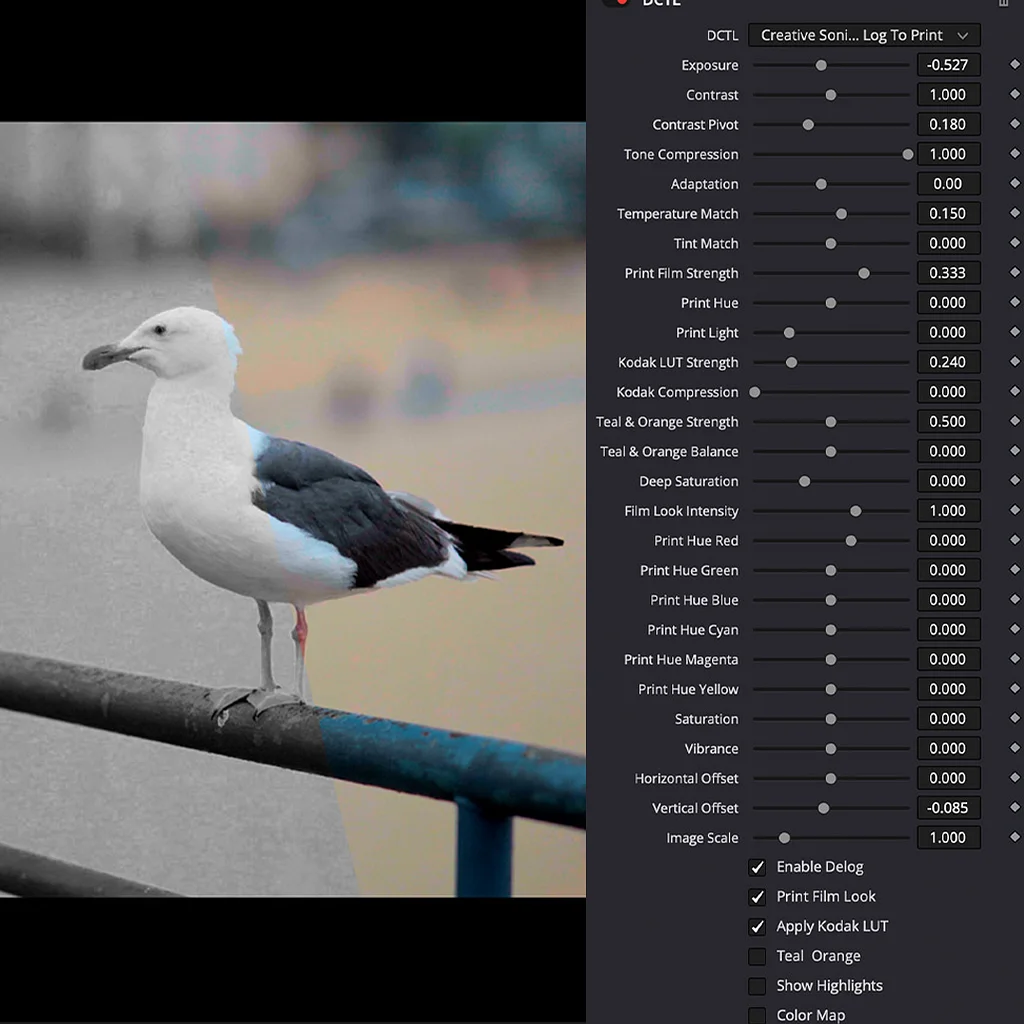
Log To Print — The core color transformation system for converting log footage into a refined print-style image and establishing a professional cinematic foundation.
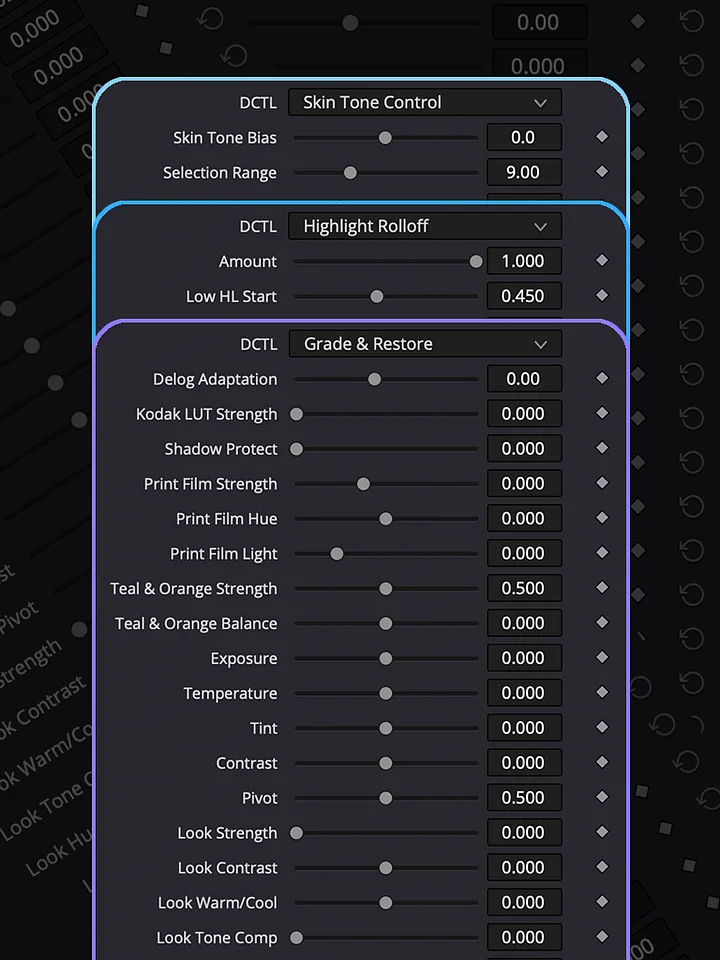
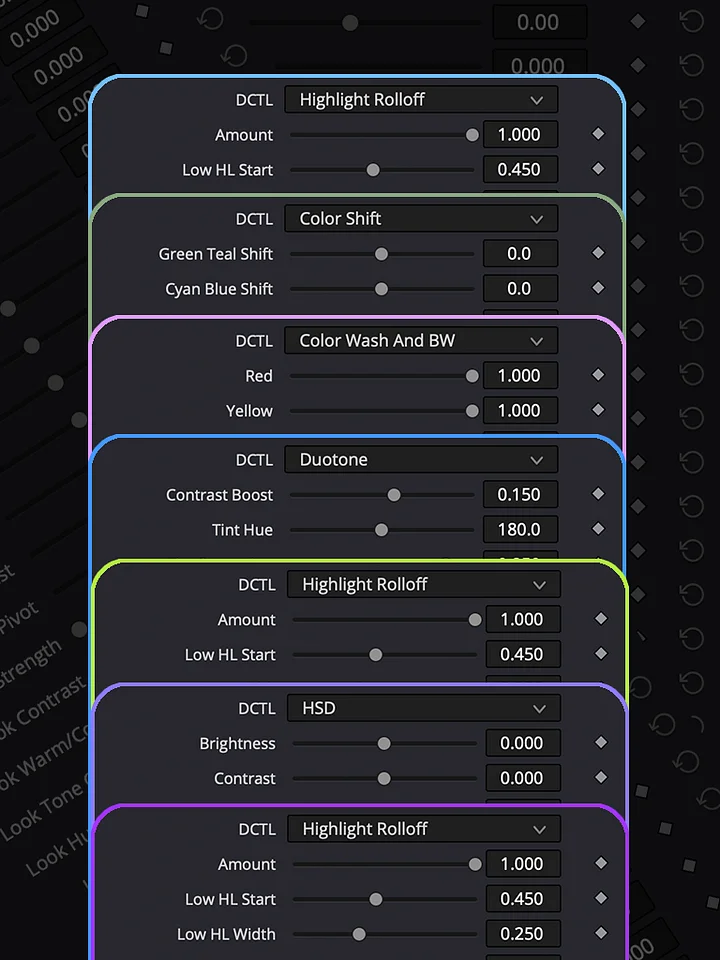
Grade & Restore — Precision tools for correcting, restoring, and refining footage, including highlight rolloff, shadow control, skin protection, denoising, and targeted image adjustments.
Film Look — Designed for quick look creation, with most major camera de-loggings and several popular cinematic looks built in. Quickly establish a strong starting point and save significant grading time.
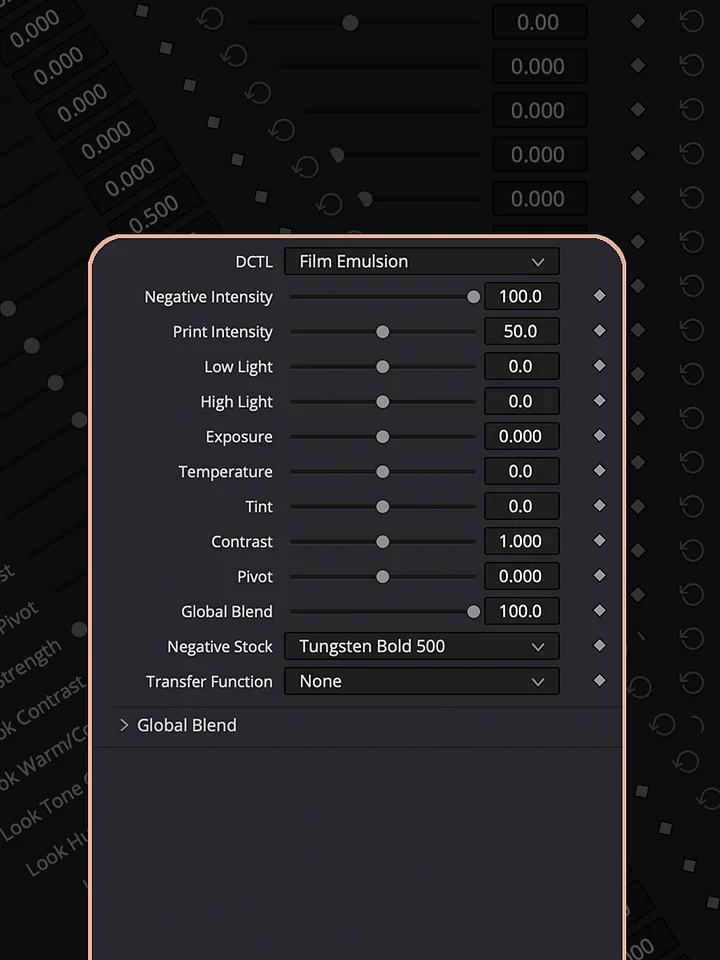
Film Emulation — Dedicated film emulation technology for recreating the distinctive color, tonal response, density, and character associated with photographic film.
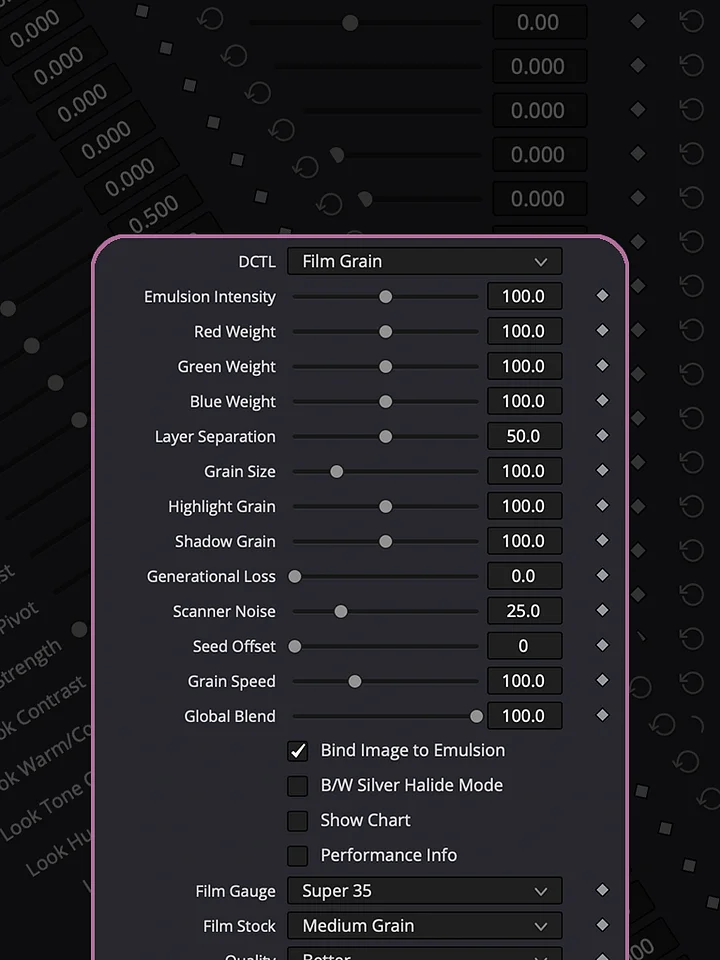
Film Grain — A natural, film-inspired grain tool with extensive adjustments and creative controls. Add extra texture and character to a scene with multiple grain options, including grain speed, intensity, size, and other parameters. Designed as a lightweight, non-GPU effect for real-time playback without slowing down your computer.
Shape & Tone — Advanced tools for shaping contrast, density, color depth, highlights, shadows, and overall tonal structure with precise control.
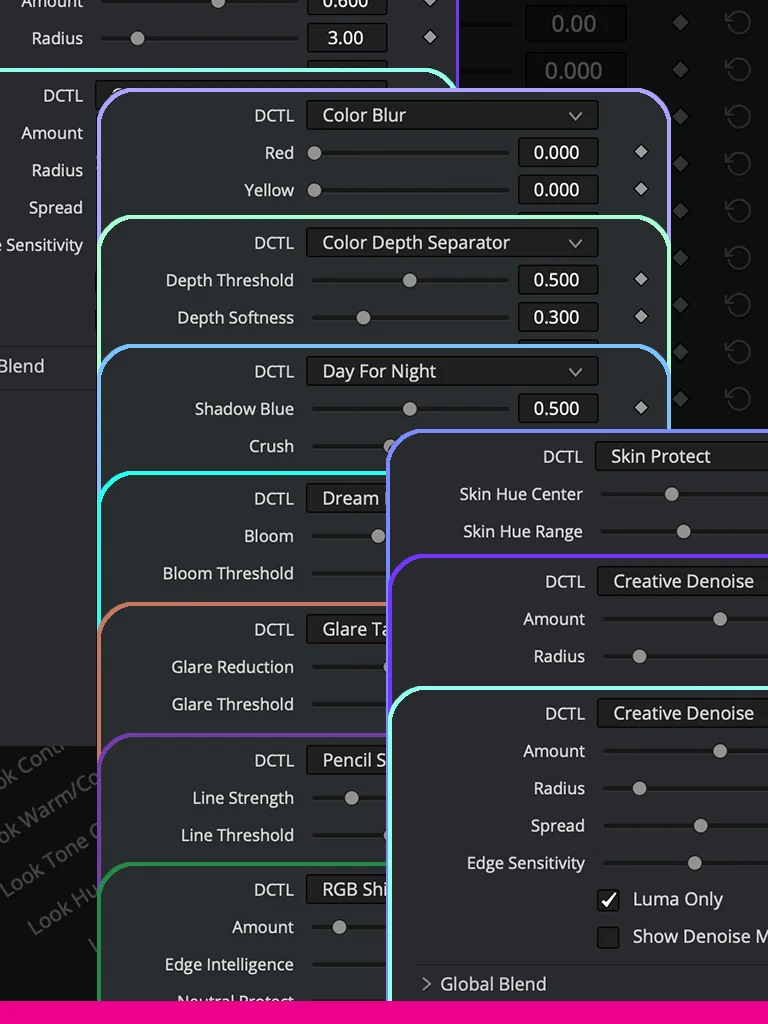
Creative Effects — A collection of creative tools for transforming and stylizing the image, including color shifts, selective recoloring, blur, duotone, RGB effects, day-for-night, pencil sketch, and other experimental treatments.
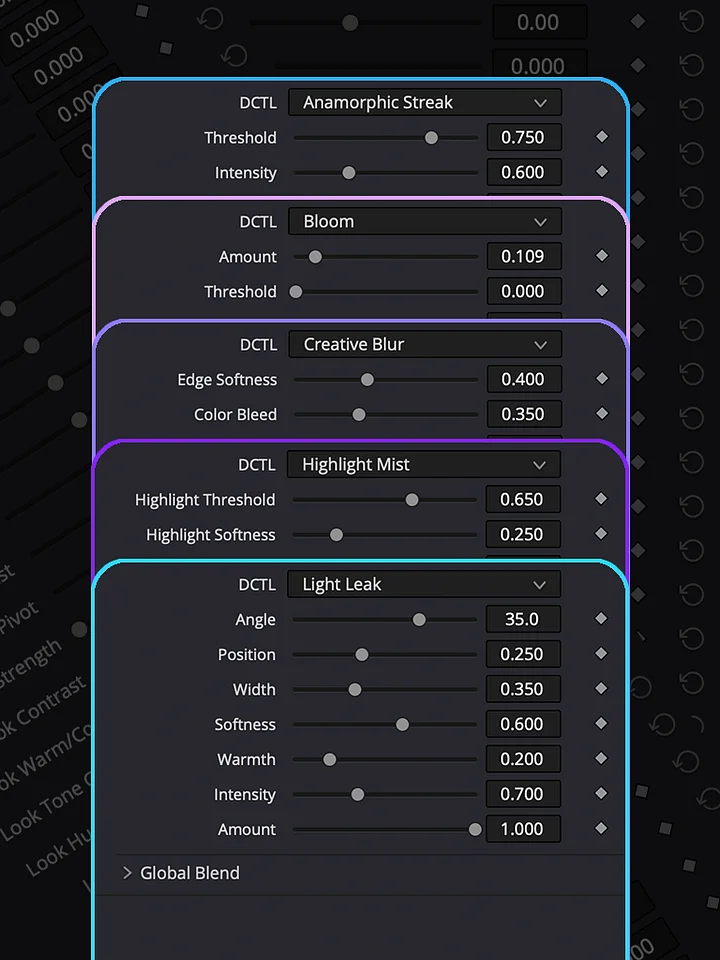
Lens & Atmosphere — Cinematic optical and atmospheric effects including anamorphic streaks, bloom, highlight mist, glare, light leaks, chromatic aberration, and other lens-inspired finishing effects.
Log To Print Universe - Master Collection
- Kodak Film Emulsion - Cinematic Kodak film character
- Anamorphic Streak - Cinematic horizontal light streaks
- Bloom - Soft glowing highlight diffusion
- Chromatic Aberration - Controlled cinematic color fringing
- Color Blur - Smooth color-based image diffusion
- Color Depth Separator - Separate colors for dimensional grading
- Color Shift - Precise creative color transformation
- Color Wash And BW - Color wash and black-and-white effects
- Creative Blur - Artistic blur and soft-focus effects
- Creative Denoise - Clean noise reduction for creative workflows
- Day For Night - Transform daylight footage into night
- Dream Flashback - Dreamy nostalgic flashback effect
- Duotone - Stylized two-color image treatment
- Film Grain - Organic cinematic film grain
- Film Look - Cinematic film-style image treatment
- Glare Tame - Control and soften harsh glare
- Grade & Restore - Grade while restoring image detail
- Highlight Mist - Soft atmospheric highlight diffusion
- Highlight Rolloff - Smooth and natural highlight transitions
- HSD - Hue, saturation, and density control
- Light Leak - Organic cinematic light leak effects
- Log To Print - Professional log-to-print color transformation
- Pencil Sketch - Convert footage into a pencil sketch
- RGB Shift - Creative RGB channel separation
- Selective Recolor - Precisely recolor selected areas
- Shadow Control - Precise shadow density and color control
- Skin Protect - Protect skin tones during creative grading
- Skin Tone Control - Precise skin tone adjustment
- Social Reframe - Quickly reframe footage for social formats

HOW TO INSTALL
Download the DCTL file and place it in the DCTL folder used by DaVinci Resolve. On Mac, you can find it at /Library/Application Support/Blackmagic Design/DaVinci Resolve/LUT/. On Windows, use C:\ProgramData\Blackmagic Design\DaVinci Resolve\Support\LUT. After copying the file, open DaVinci Resolve and go to Project Settings → Color Management → Open LUT Folder to verify the location, then refresh the LUTs. Your DCTL will then be available in the DCTL menu on the Color page.
DCTLs in Action
Explore the Log To Print Universe through real grading examples and see how each collection can be used in practice. Log To Print is built for production-quality color grading and print emulation. Grade & Restore focuses on correcting and restoring footage. Film Look creates distinctive film-inspired images, while Shape & Tone gives you control over contrast, density, and tonal balance. Creative Effects adds tools for image manipulation and experimentation, and Lens & Atmosphere brings optical character, diffusion, and atmospheric effects into the grade.